Uploads by Chriscant
From Freegle Wiki
This special page shows all uploaded files.
| Date | Name | Thumbnail | Size | Description | Versions |
|---|---|---|---|---|---|
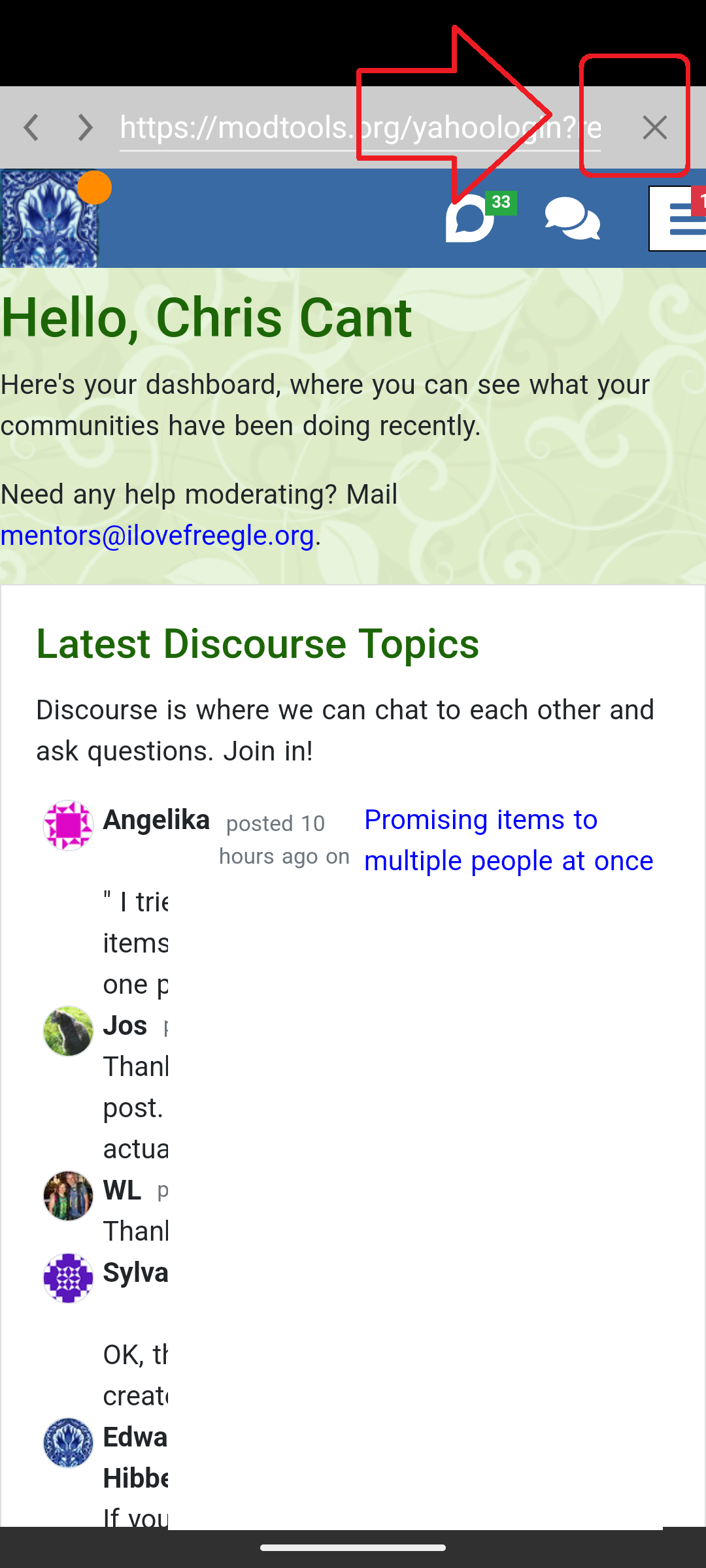
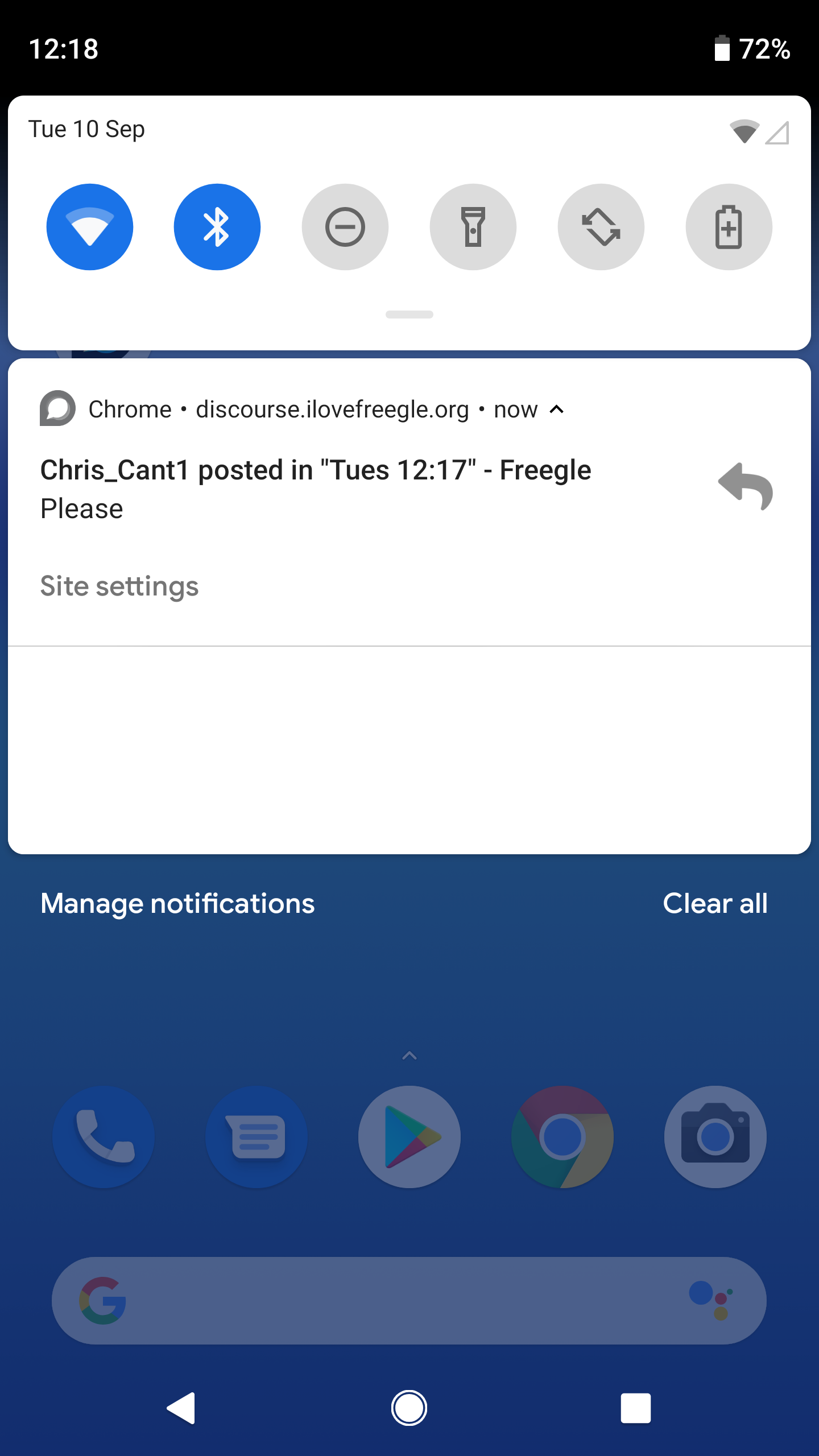
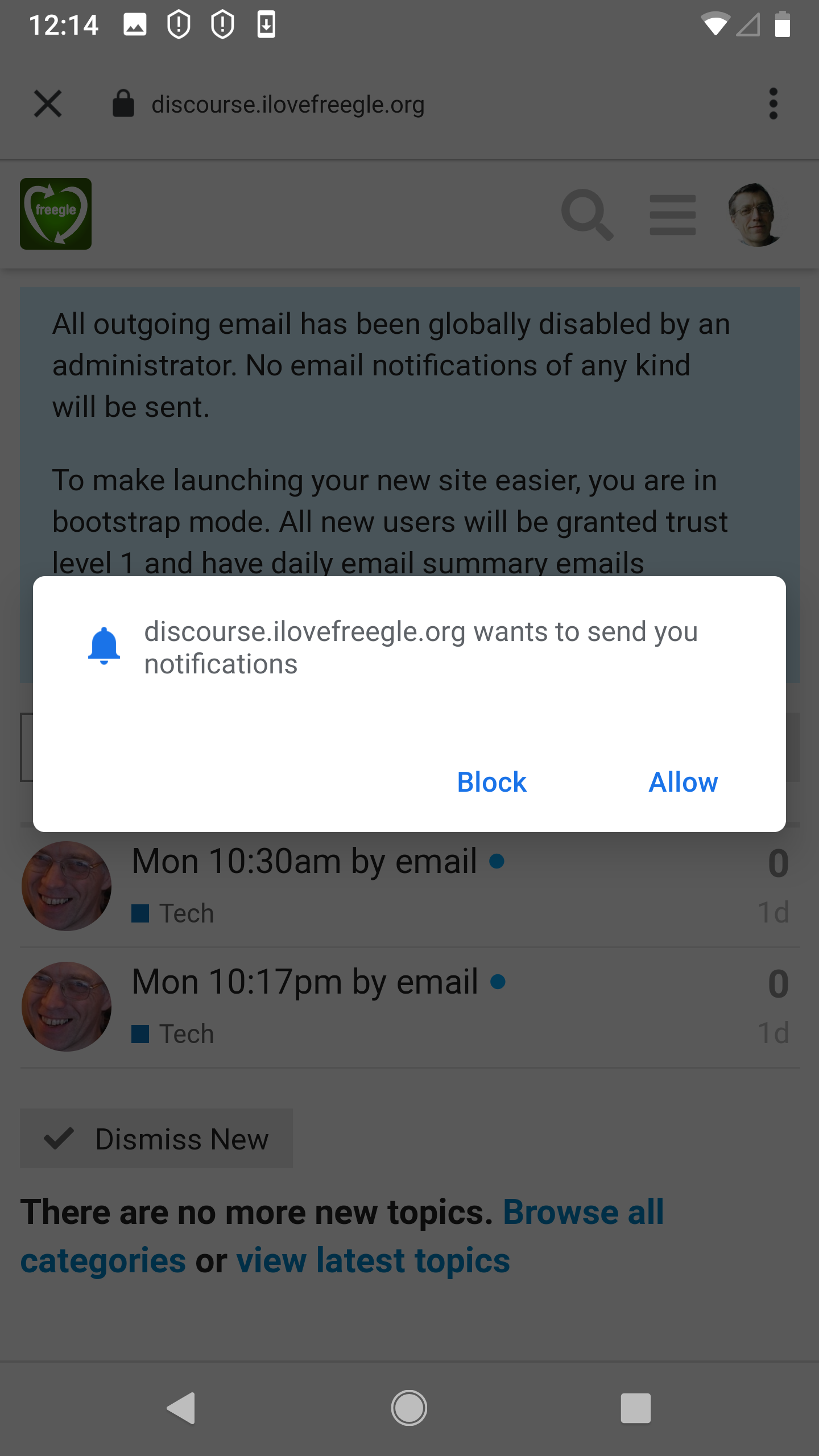
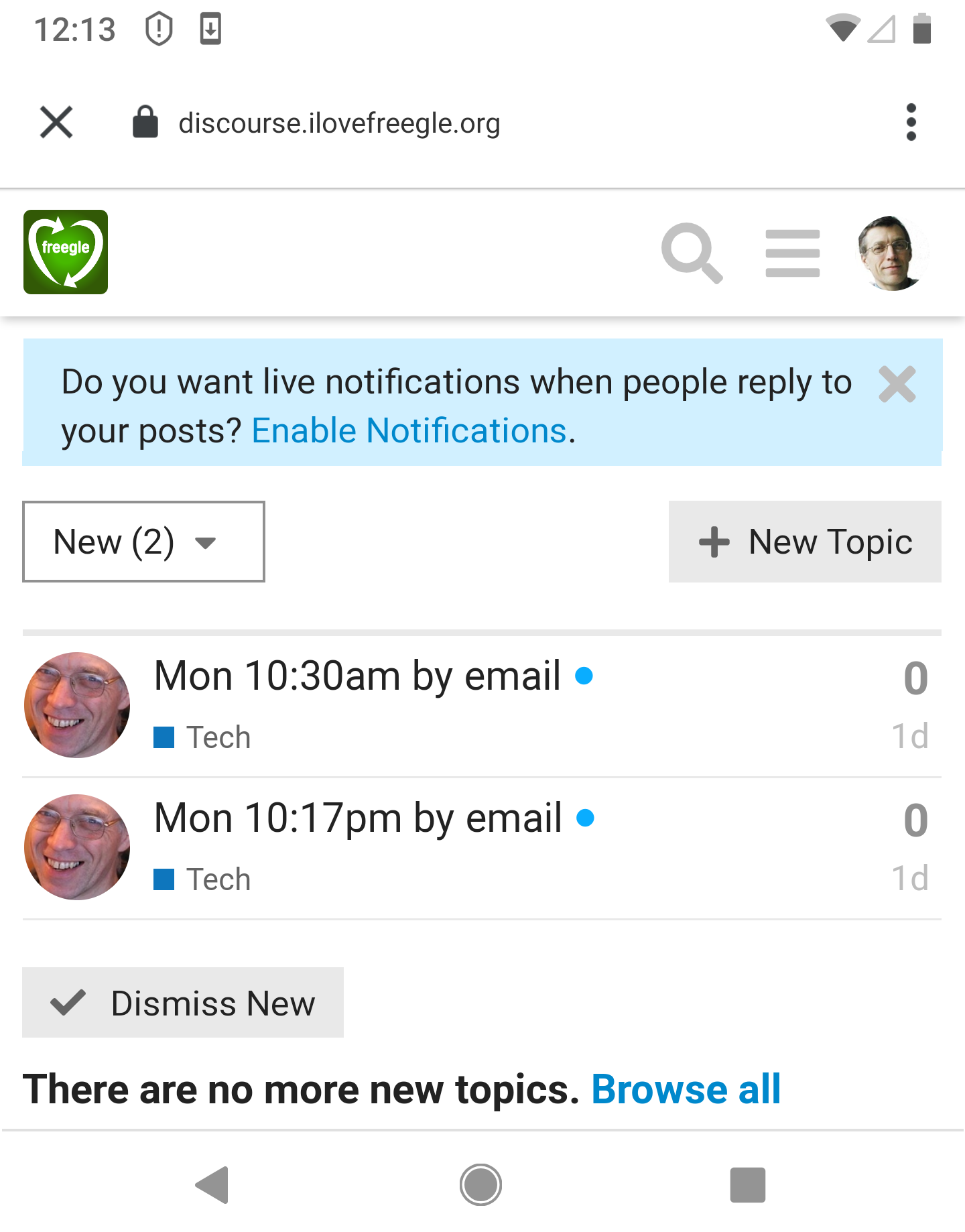
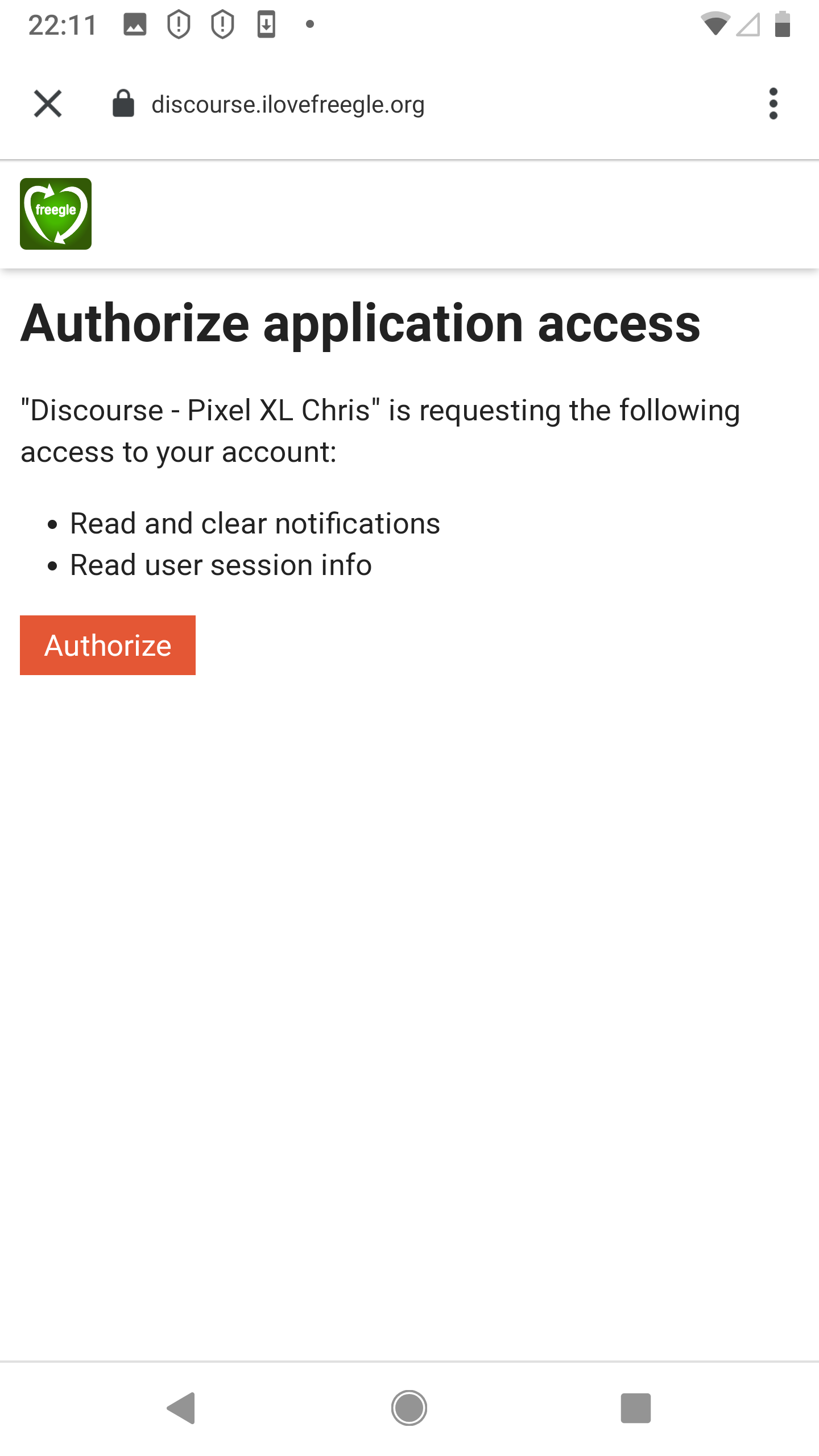
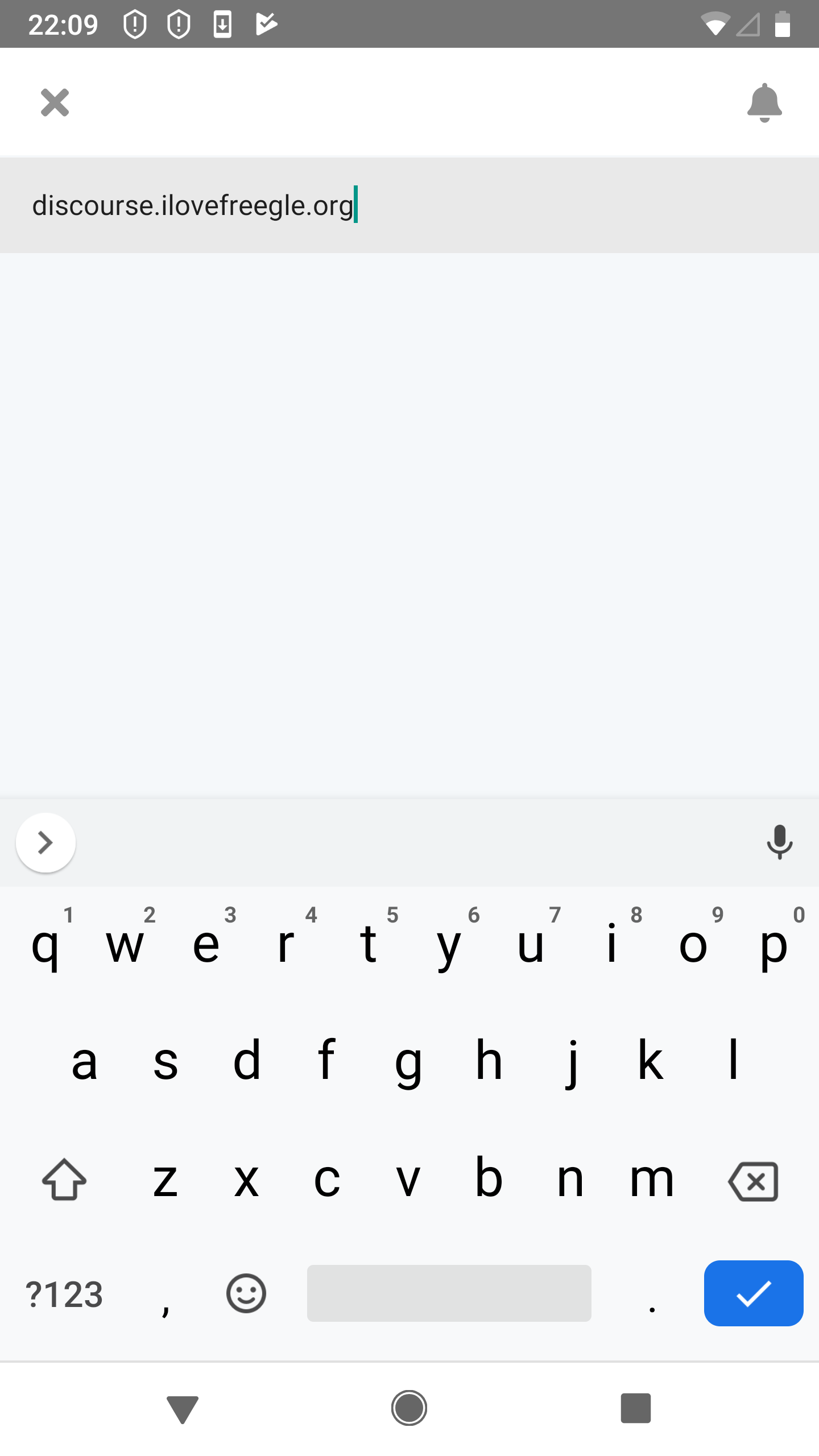
| 10:56, 8 August 2025 | MT0.4-Android-A2.png (file) |  |
445 KB | 1 | |
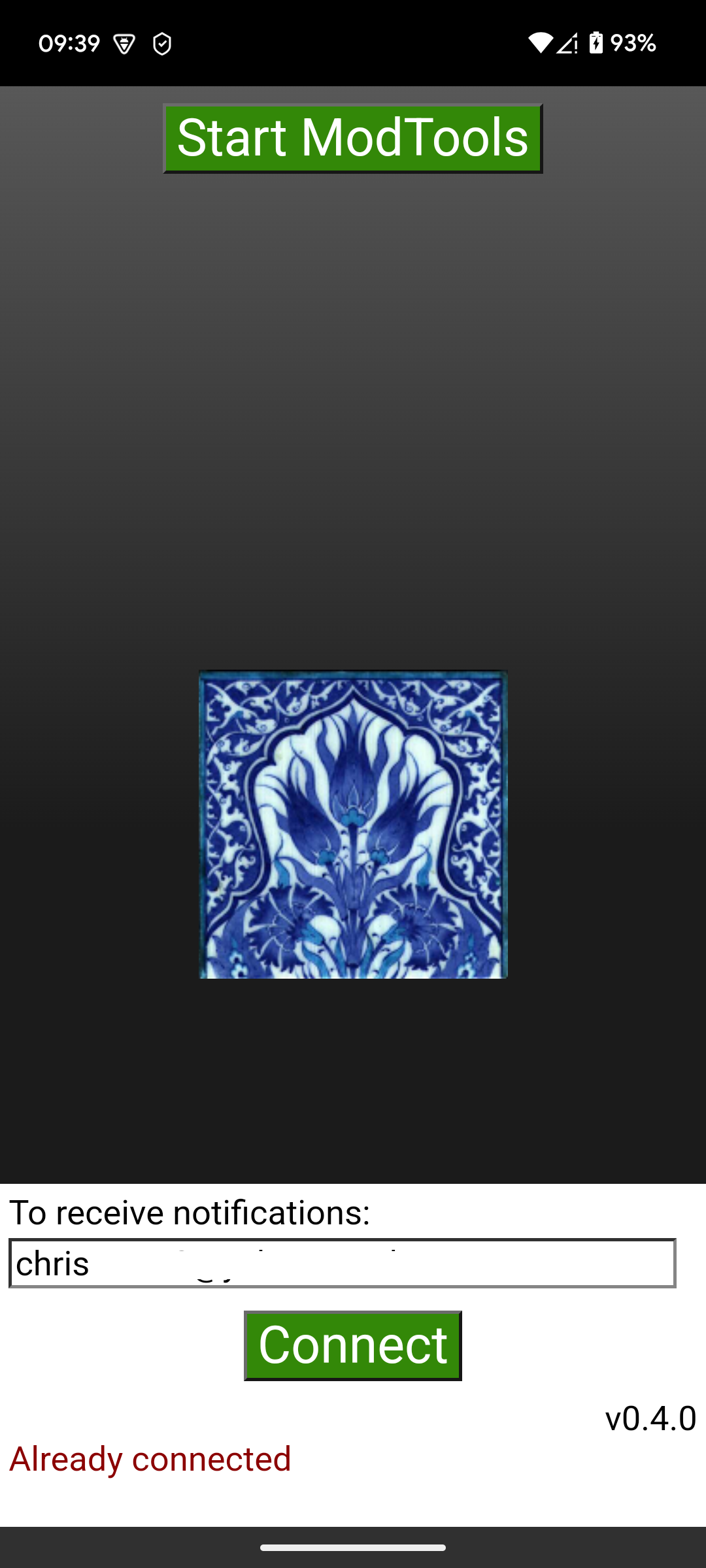
| 10:56, 8 August 2025 | MT0.4-Android-A1.png (file) |  |
445 KB | 1 | |
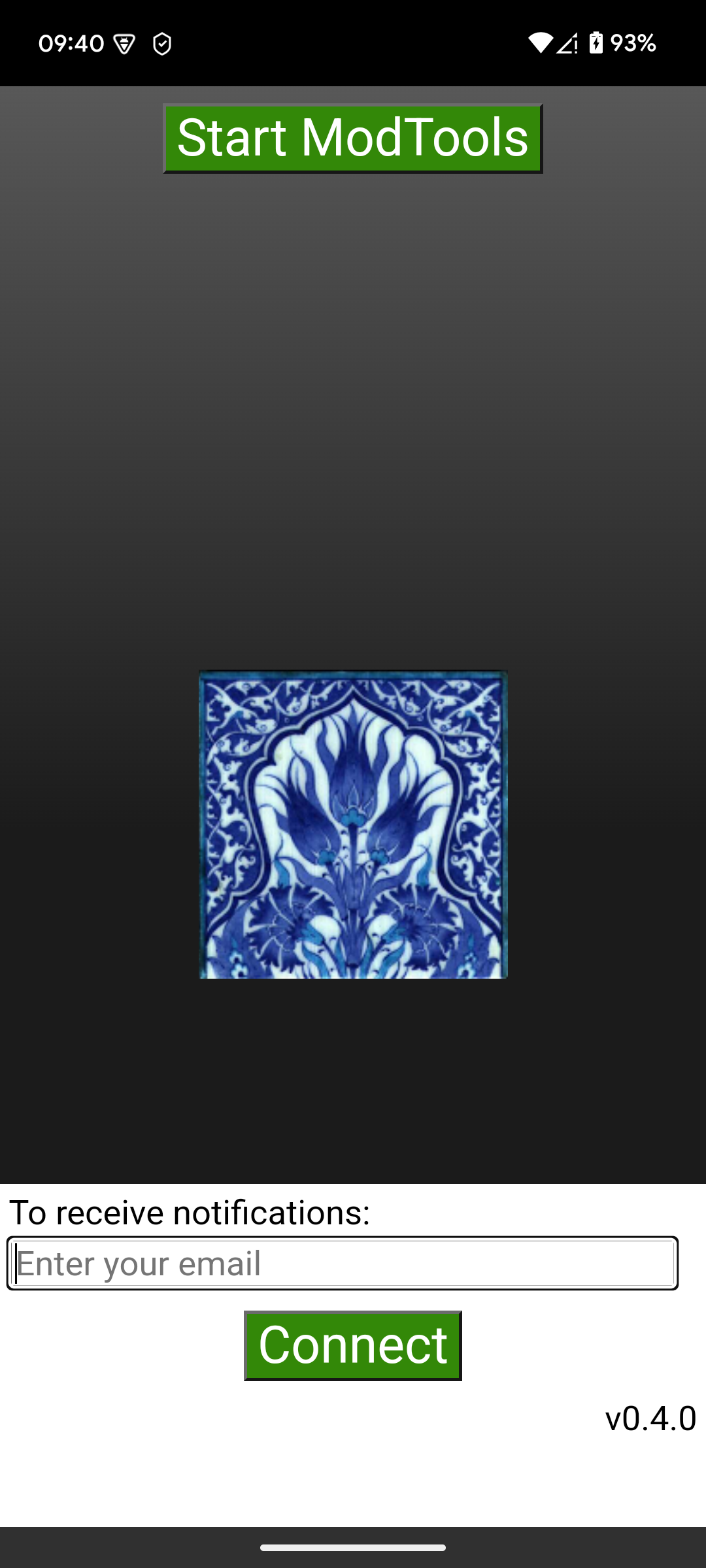
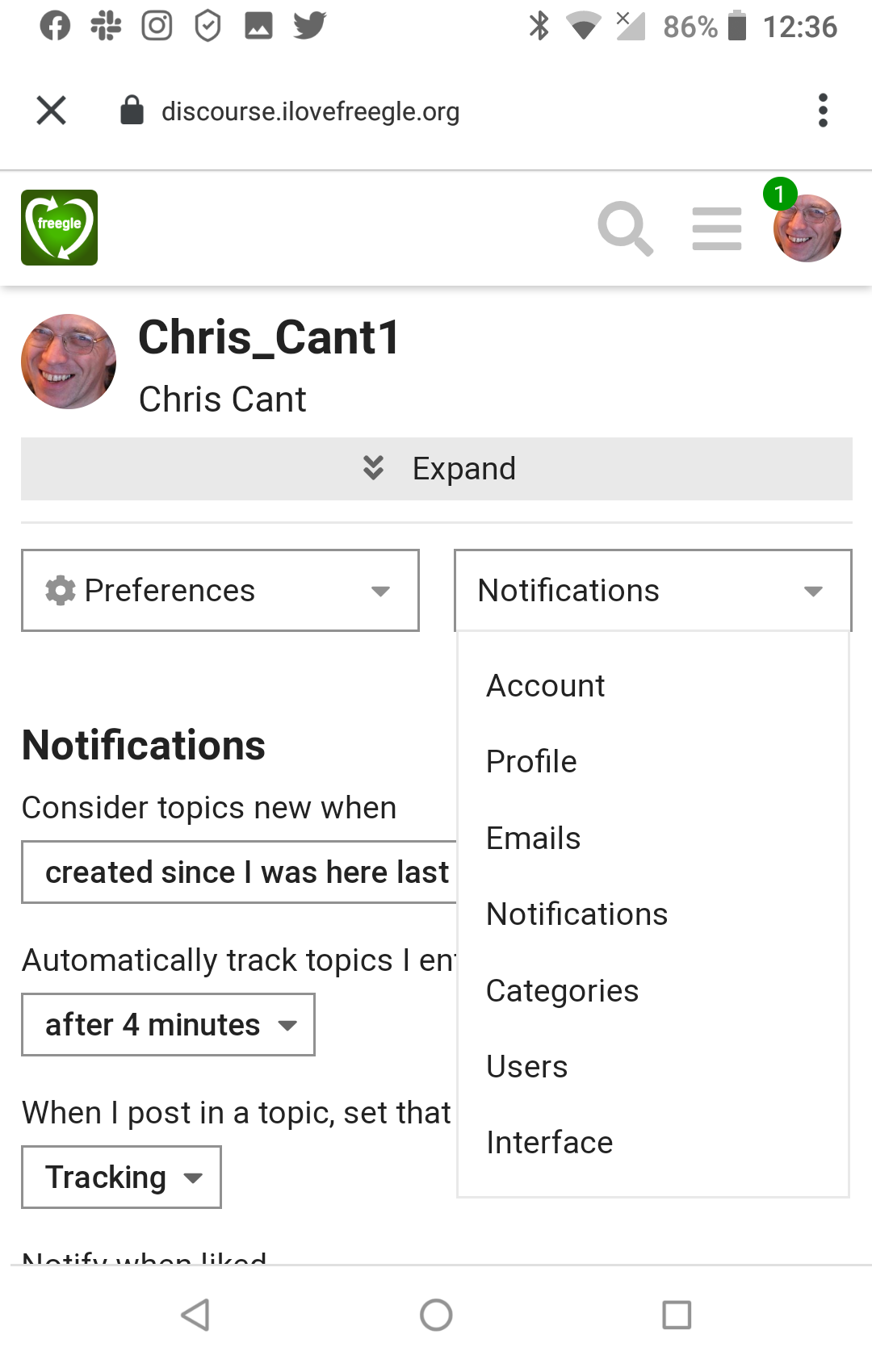
| 12:51, 7 August 2025 | MT0.4-Android-AA.png (file) |  |
500 KB | 1 | |
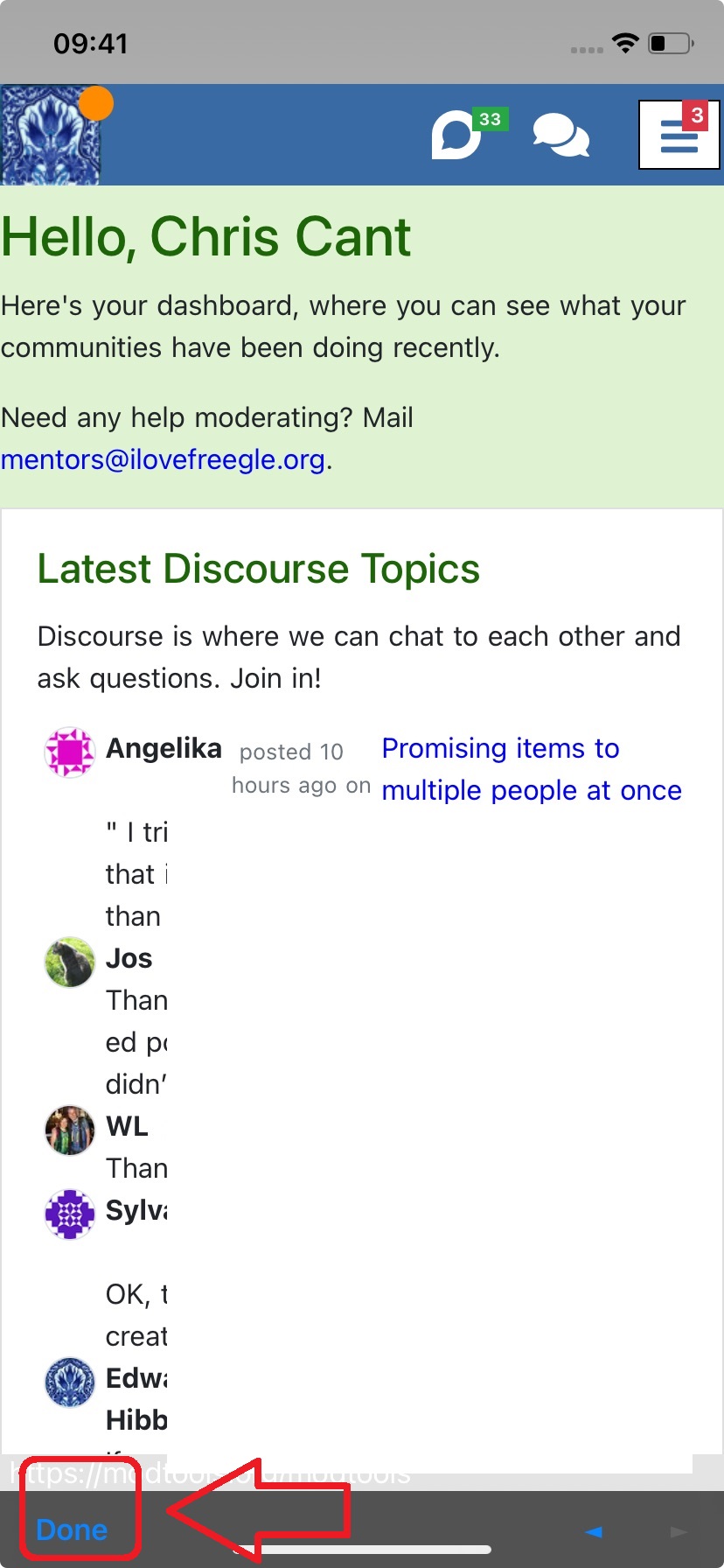
| 13:36, 17 April 2025 | MT0.4-iOS-C.jpg (file) |  |
202 KB | 1 | |
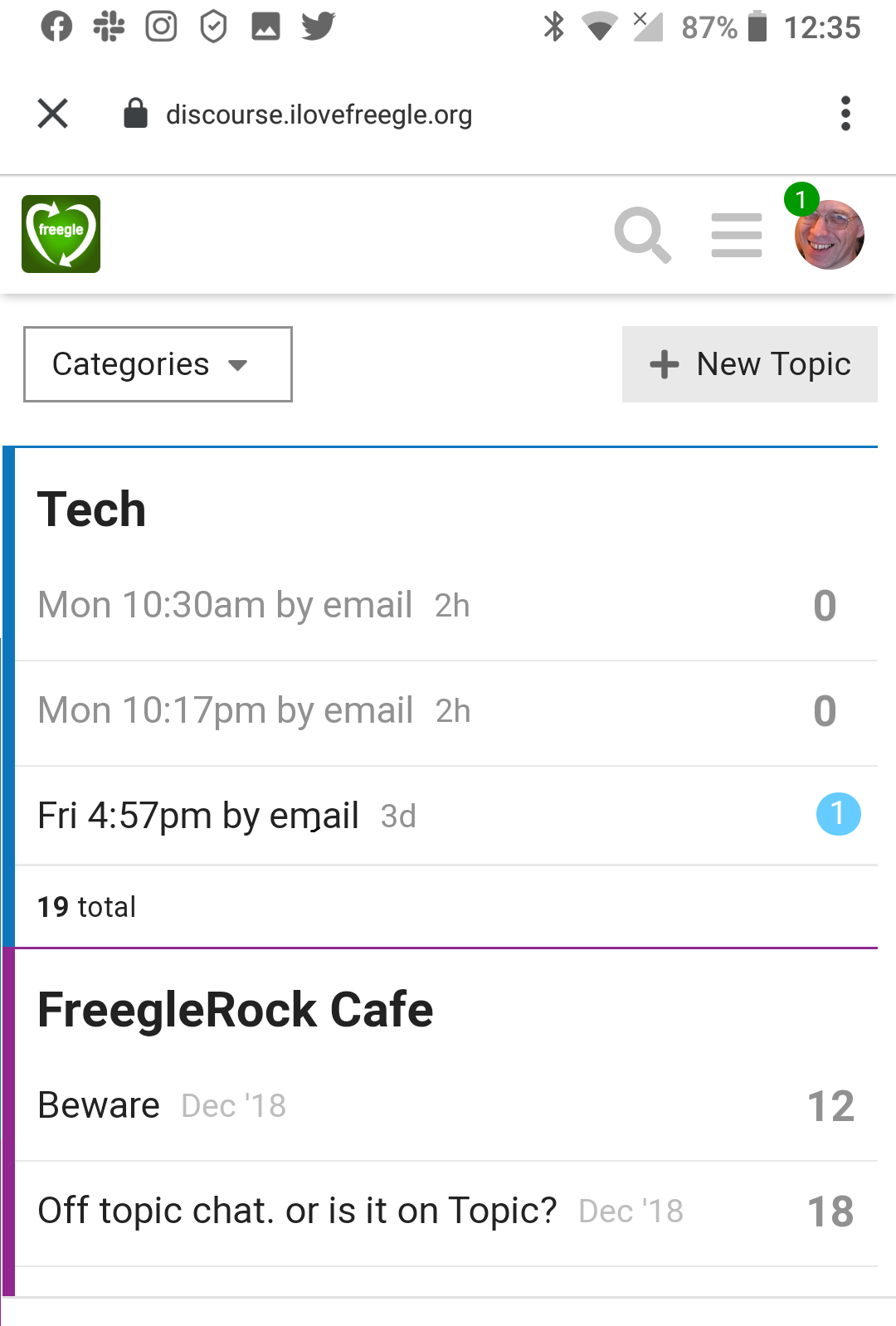
| 13:35, 17 April 2025 | MT0.4-Android-C.png (file) |  |
491 KB | 1 | |
| 13:28, 17 April 2025 | MT0.4-Android-B.png (file) |  |
546 KB | 1 | |
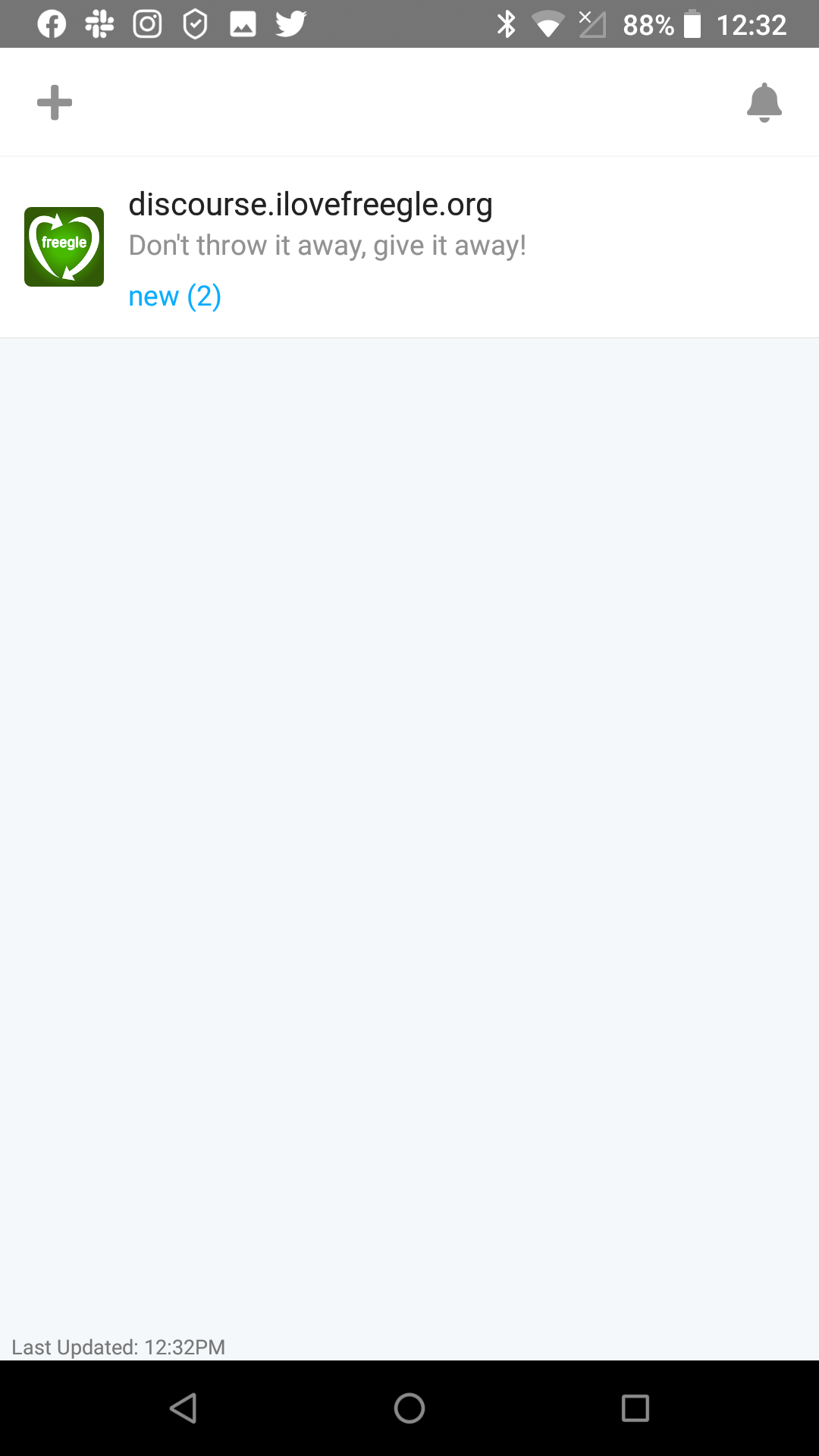
| 13:24, 17 April 2025 | MT0.4-Android-A.png (file) |  |
437 KB | 1 | |
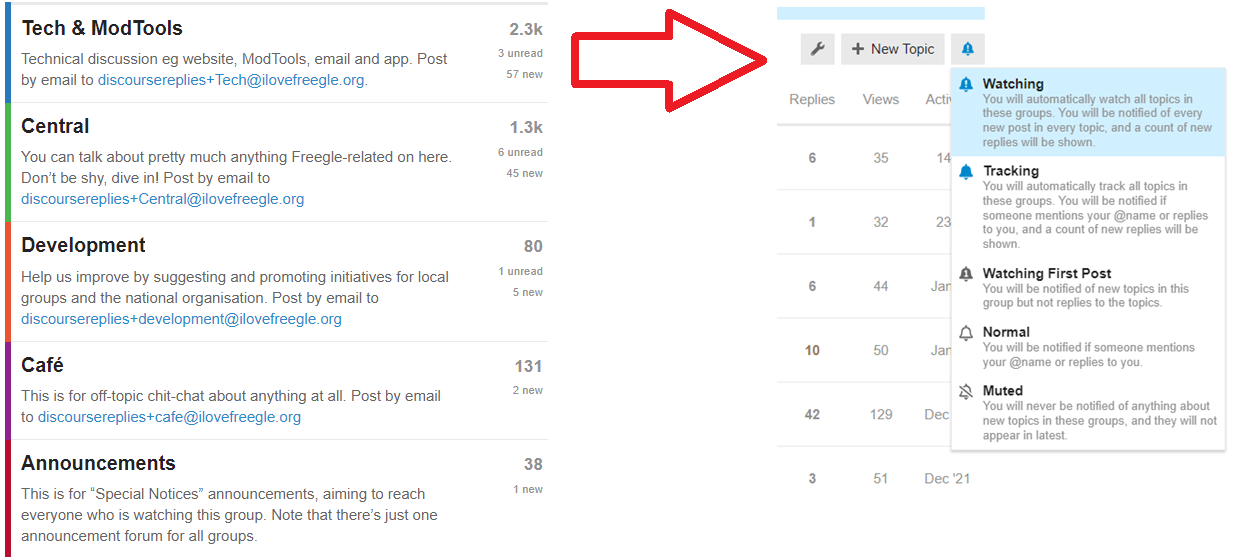
| 14:01, 3 February 2022 | DiscourseGroupSettings.png (file) |  |
105 KB | 1 | |
| 09:11, 27 February 2021 | FreegleLogoNewTransparent2000.png (file) |  |
343 KB | 1 | |
| 09:36, 11 November 2020 | FreegleLogoNew2354square.png (file) |  |
434 KB | 1 | |
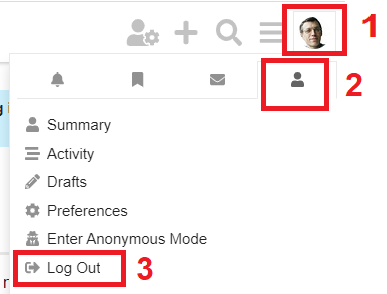
| 13:50, 1 November 2020 | Discourse-logout.png (file) |  |
11 KB | How to log out of Discourse | 1 |
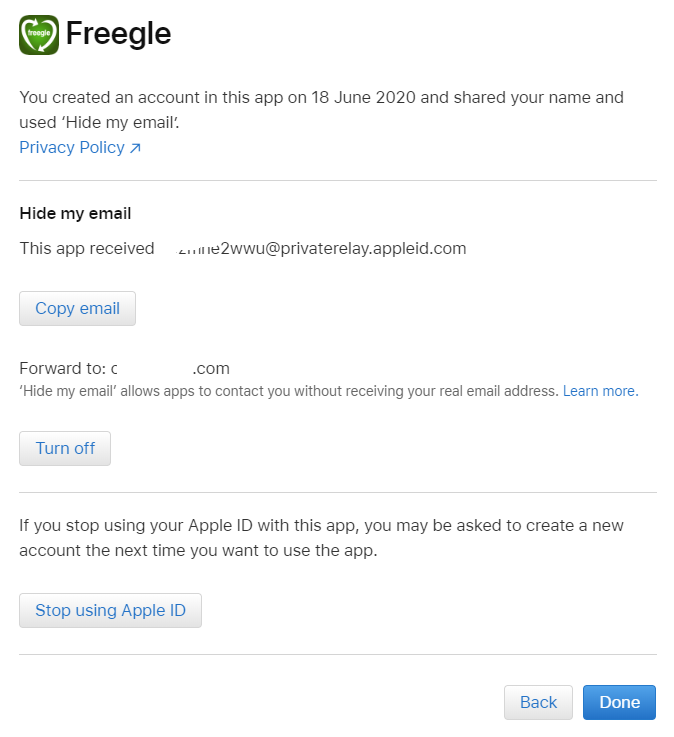
| 13:40, 20 June 2020 | Apple-account4.png (file) |  |
19 KB | 1 | |
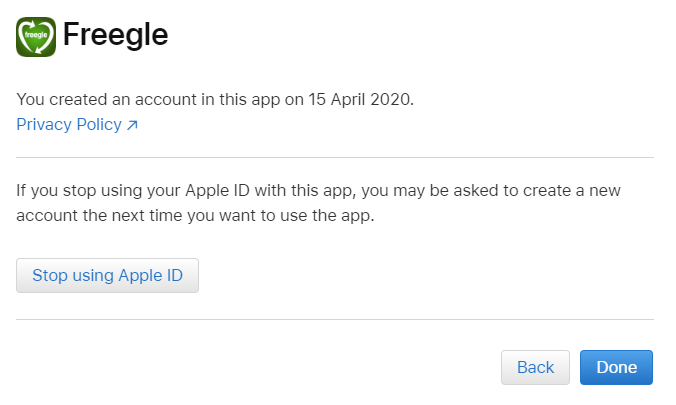
| 13:39, 20 June 2020 | Apple-account3a.png (file) |  |
52 KB | 1 | |
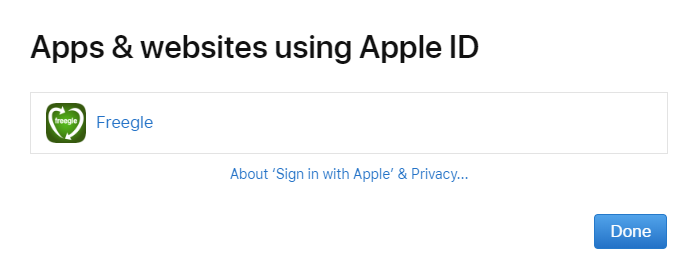
| 13:38, 20 June 2020 | Apple-account3.png (file) |  |
29 KB | 1 | |
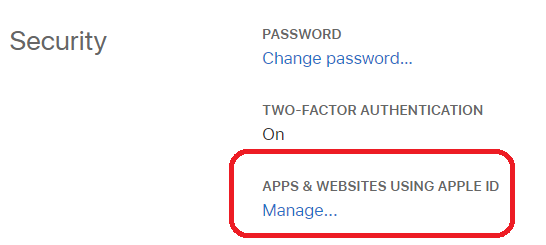
| 13:37, 20 June 2020 | Apple-account2.png (file) |  |
18 KB | 1 | |
| 13:36, 20 June 2020 | Apple-account1.png (file) |  |
15 KB | 1 | |
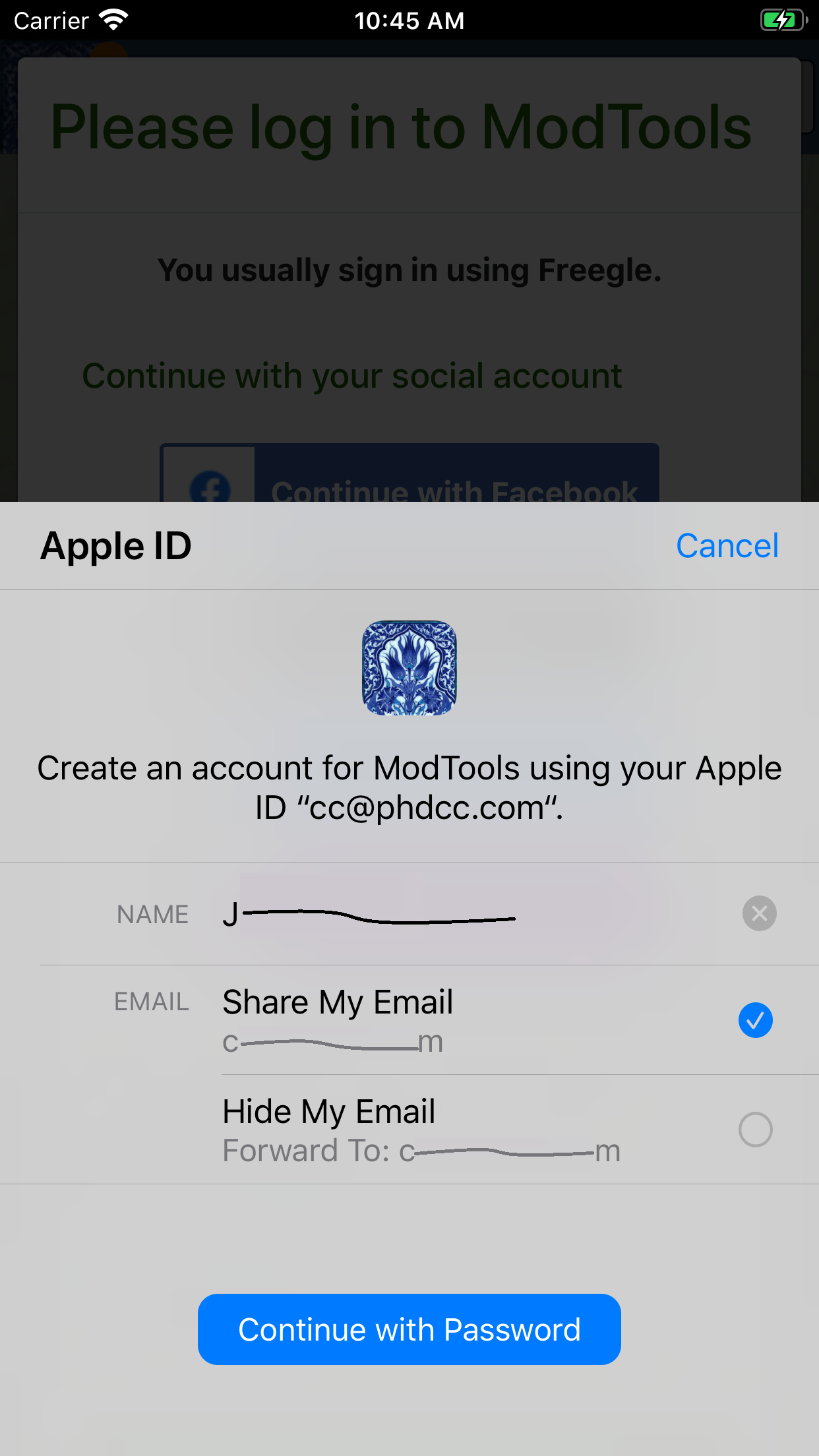
| 13:35, 20 June 2020 | SiwA5.png (file) |  |
251 KB | 1 | |
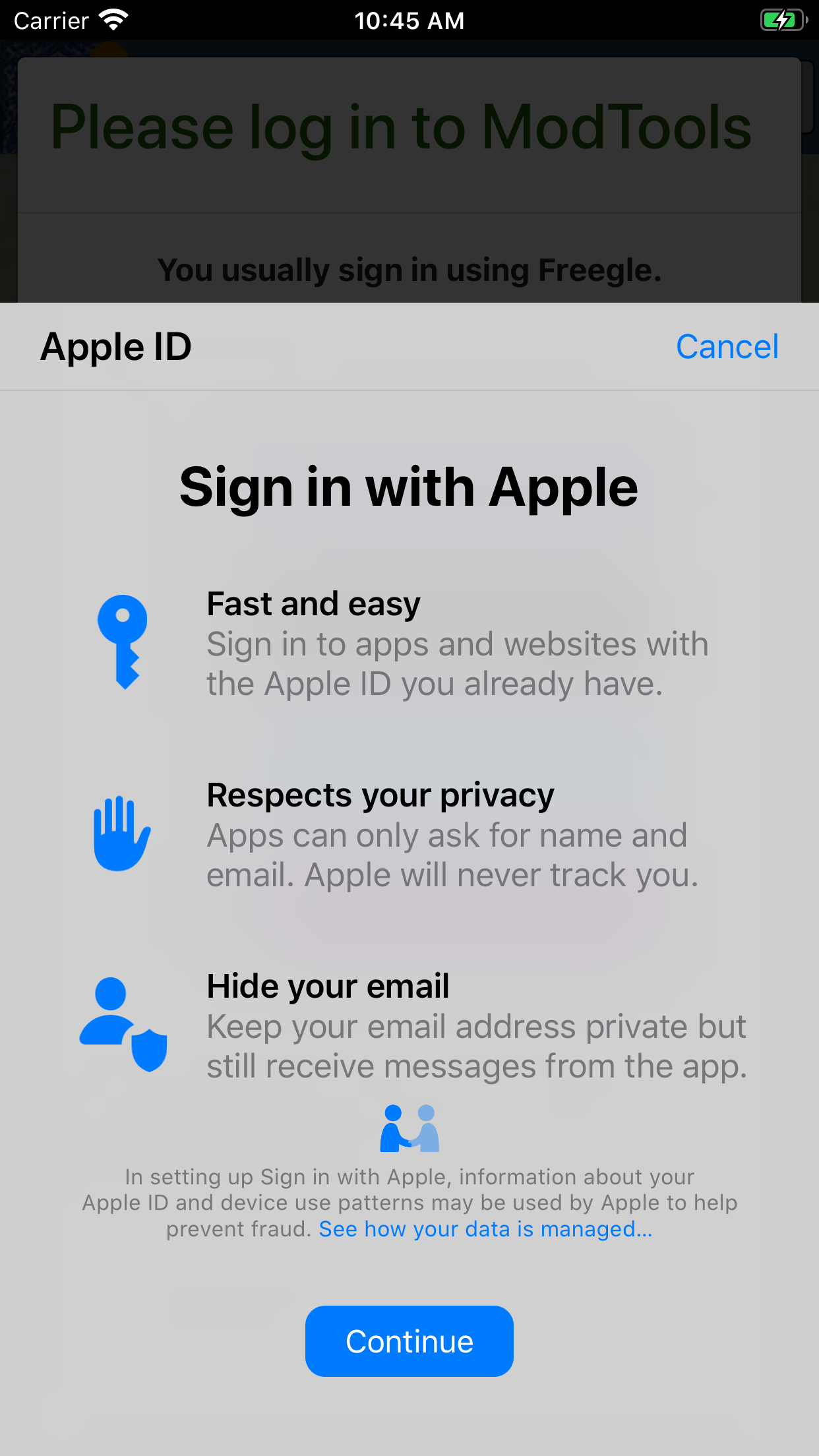
| 13:34, 20 June 2020 | SiwA4.png (file) |  |
326 KB | 1 | |
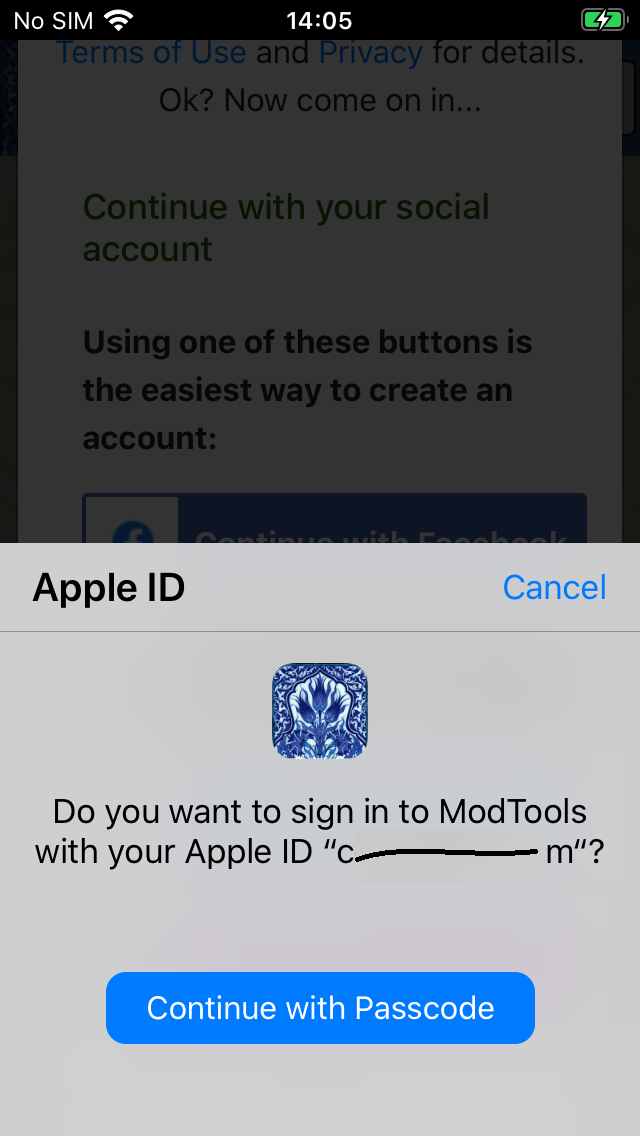
| 13:34, 20 June 2020 | SiwA3.png (file) |  |
126 KB | 1 | |
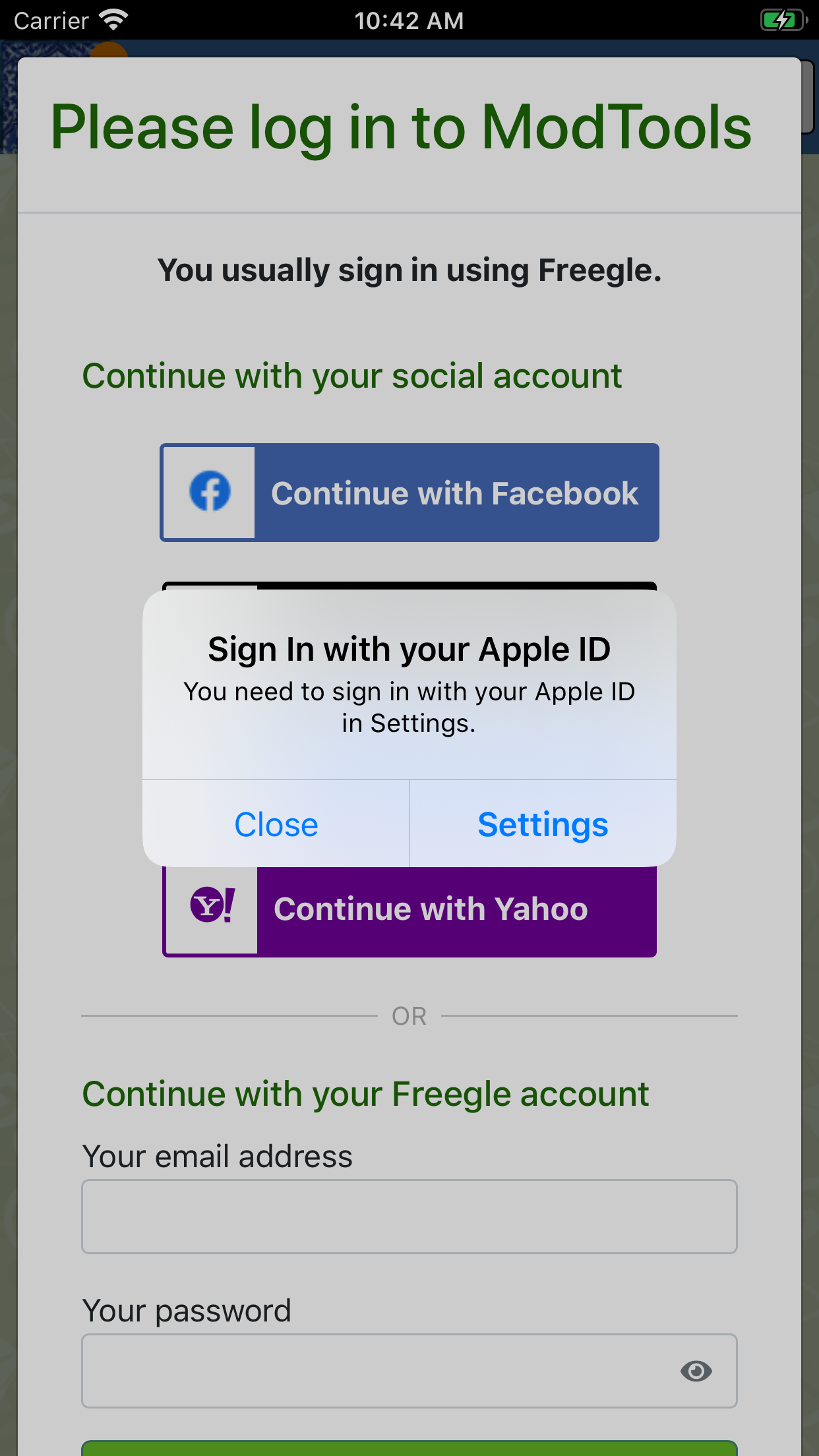
| 13:33, 20 June 2020 | SiwA2.png (file) |  |
560 KB | 1 | |
| 13:30, 20 June 2020 | SiwA1.png (file) |  |
249 KB | 1 | |
| 10:26, 28 November 2019 | Spam11.jpg (file) |  |
4 KB | 2 | |
| 10:25, 28 November 2019 | Banner number 5.png (file) |  |
170 KB | 2 | |
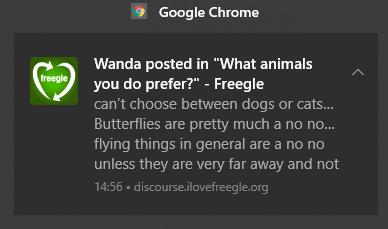
| 11:35, 23 November 2019 | Notif-in-chrome.png (file) |  |
9 KB | How a notification looks in Chrome | 1 |
| 14:21, 20 October 2019 | Discourse menu preferences3.png (file) |  |
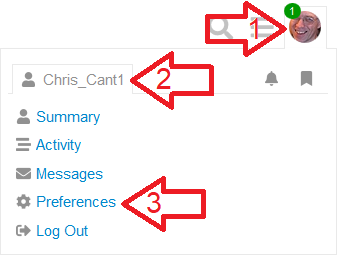
5 KB | To see or change your preferences, select the User-Cog icon. | 1 |
| 09:31, 25 September 2019 | Discourse menu preferences2.png (file) |  |
12 KB | Accessing your preferences | 1 |
| 20:27, 22 September 2019 | Discourse new topic.png (file) |  |
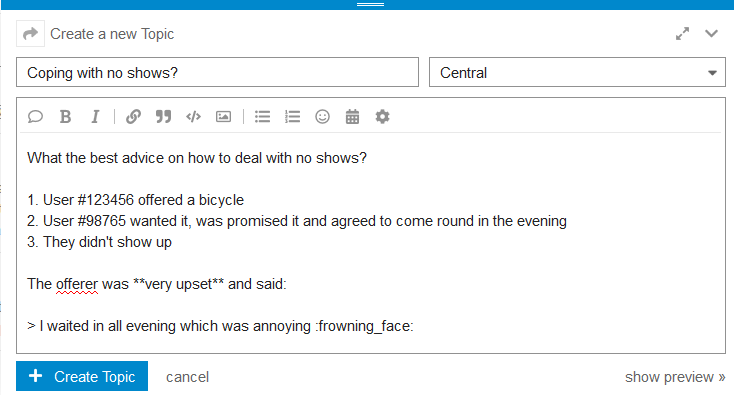
23 KB | Click on New Topic then use the editor to write your post. | 1 |
| 20:15, 22 September 2019 | Discourse poll.png (file) |  |
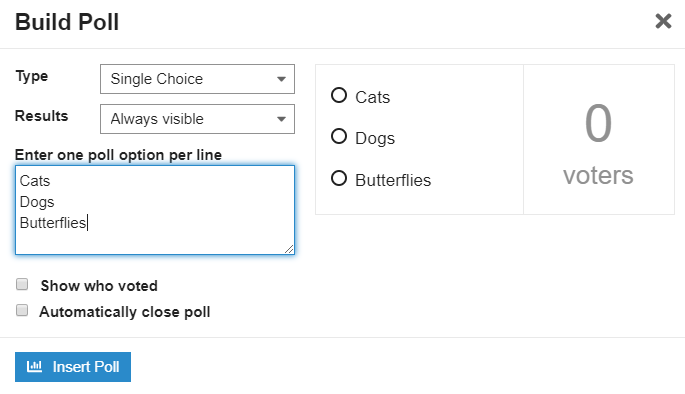
16 KB | Choose the type of poll and give the options. | 1 |
| 20:14, 22 September 2019 | Discourse poll start.png (file) |  |
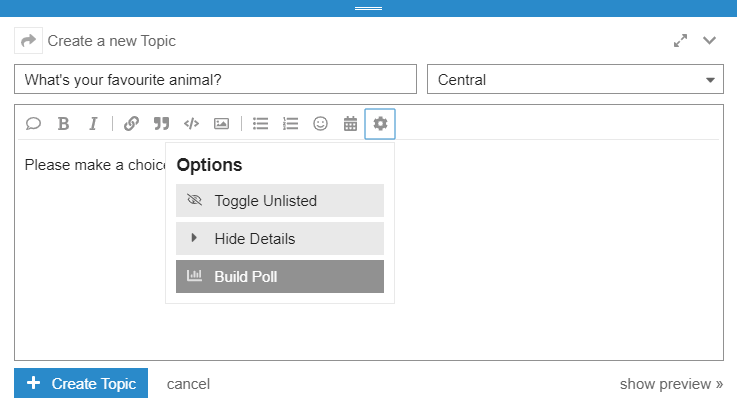
18 KB | To make a poll, start a New Topic, click the cog then select Build Poll. | 1 |
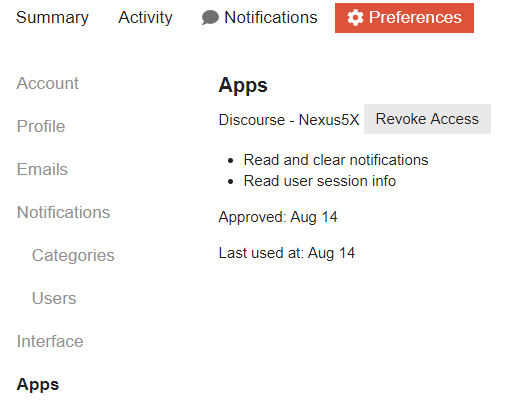
| 17:49, 22 September 2019 | Discourse preferences apps.png (file) |  |
18 KB | If you are using the app, access is listed here. | 1 |
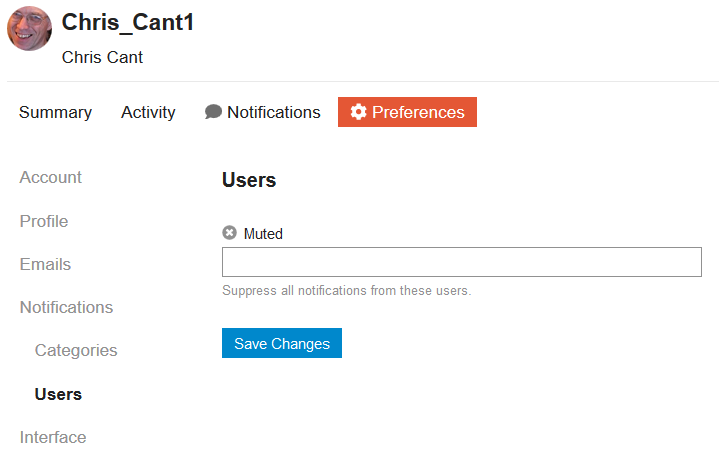
| 17:48, 22 September 2019 | Discourse preferences notifications users.png (file) |  |
17 KB | You can also mute individual other users. | 1 |
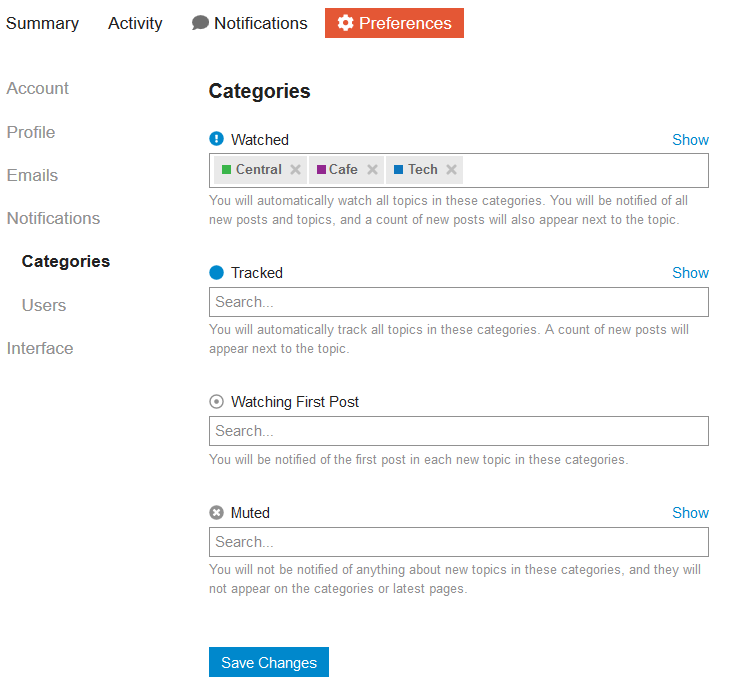
| 17:47, 22 September 2019 | Discourse preferences notifications categories.png (file) |  |
39 KB | Choose which categories to watch, track or mute. | 1 |
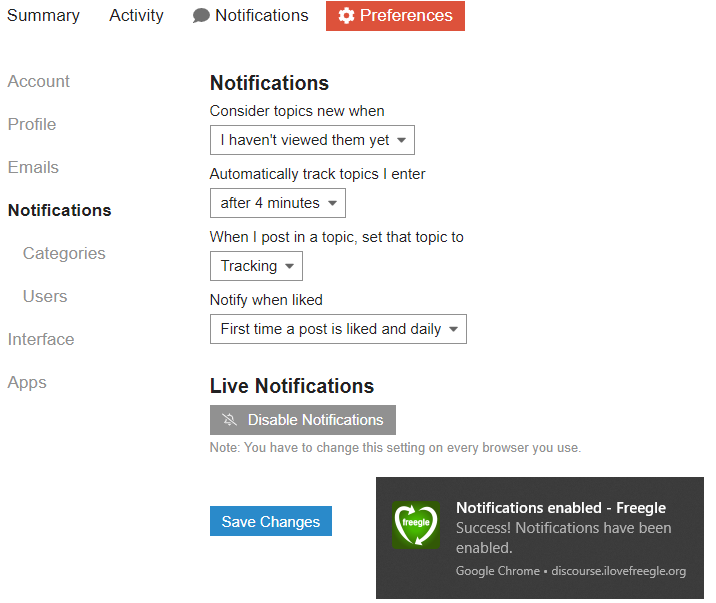
| 17:46, 22 September 2019 | Discourse preferences notifications.png (file) |  |
70 KB | The Notifications section lets you choose general settings and enable browser notifications. | 1 |
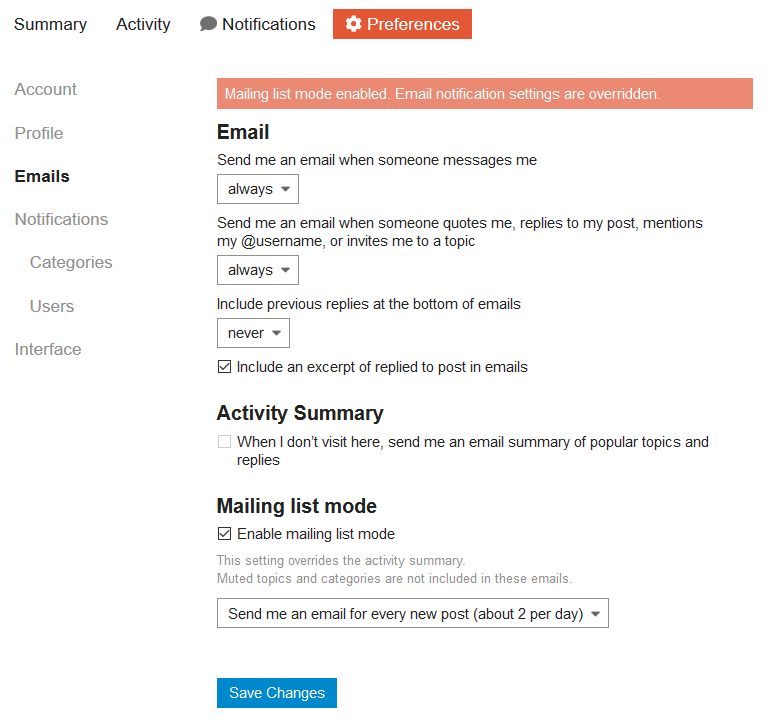
| 17:43, 22 September 2019 | Discourse preferences emails mailing list.png (file) |  |
39 KB | If you choose Mailing List Mode then this overrides all other settings. | 1 |
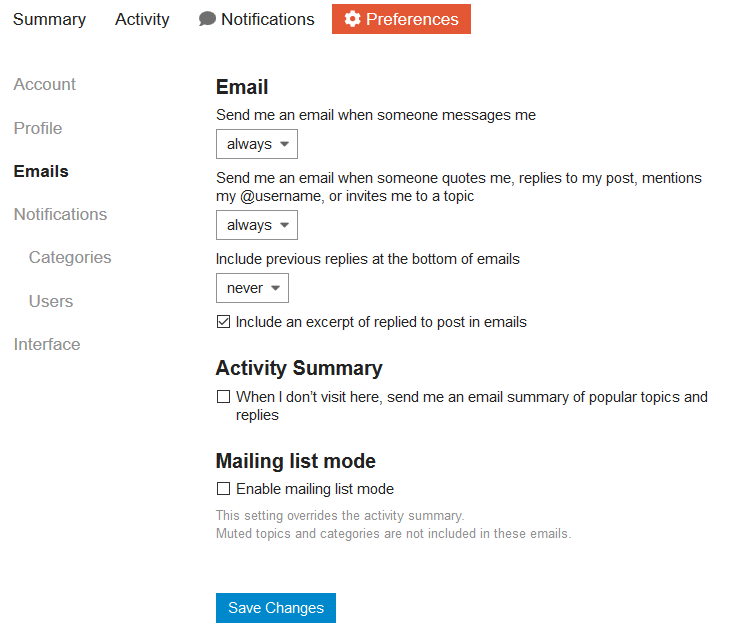
| 17:43, 22 September 2019 | Discourse preferences emails.png (file) |  |
34 KB | The emails main section lets you choose when you are notified in general. | 1 |
| 17:41, 22 September 2019 | Discourse preferences profile shown.png (file) |  |
45 KB | This is what a profile looks like. | 1 |
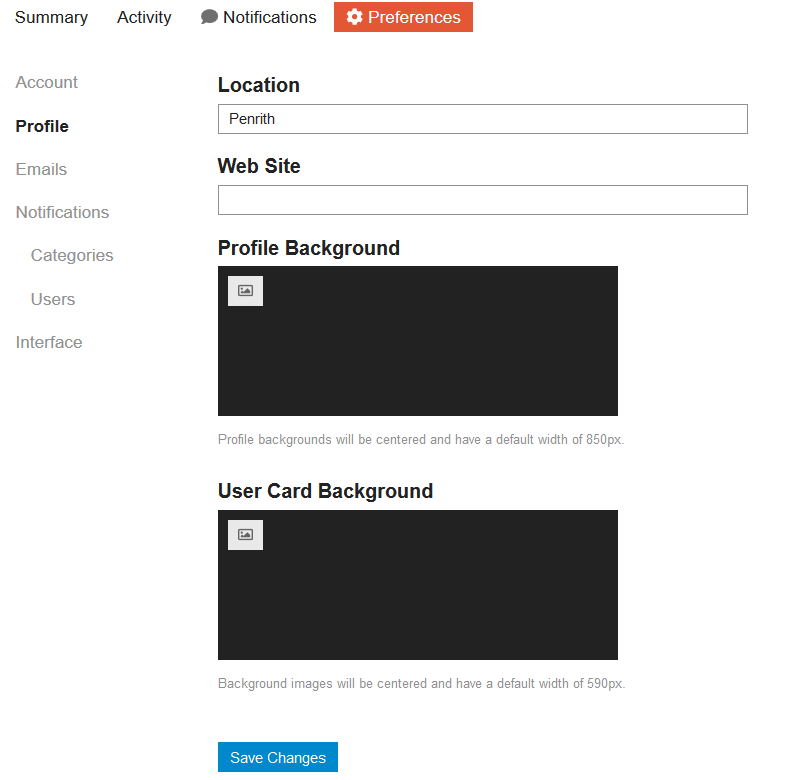
| 17:39, 22 September 2019 | Discourse preferences profile.png (file) |  |
27 KB | If you wish, change your profile. | 1 |
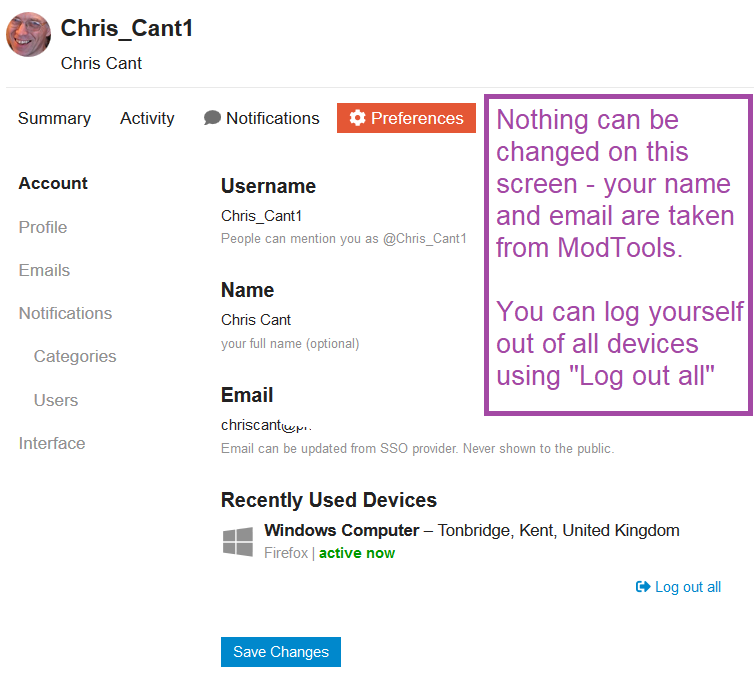
| 17:38, 22 September 2019 | Discourse preferences account.png (file) |  |
57 KB | The Account section shows your (fixed) basic settings. | 1 |
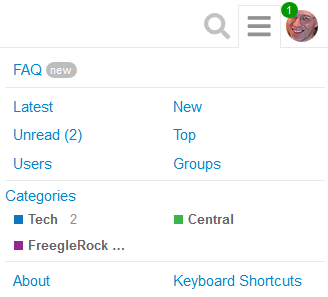
| 17:33, 22 September 2019 | Discourse menu.png (file) |  |
9 KB | The ☰ hamburger icon shows menu links to unread posts and each available category. | 1 |
| 17:32, 22 September 2019 | Discourse chrome notification.png (file) |  |
32 KB | Live notification in Chrome | 1 |
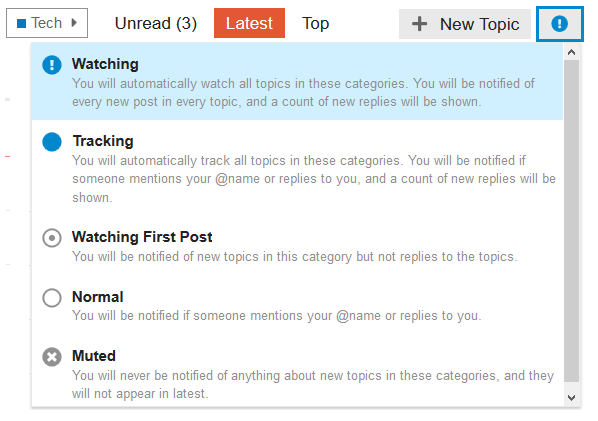
| 17:29, 22 September 2019 | Discourse category watching.png (file) |  |
22 KB | When viewing a category, the top right icons lets you choose notifications. | 1 |
| 17:16, 22 September 2019 | Discourse app9.png (file) |  |
544 KB | Notifications appear as normal for your phone. | 1 |
| 17:15, 22 September 2019 | Discourse app8.png (file) |  |
180 KB | Set your preferences by tapping on your icon. | 1 |
| 17:13, 22 September 2019 | Discourse app7.png (file) |  |
124 KB | The Discourse home screen shows as usual. | 1 |
| 17:13, 22 September 2019 | Discourse app6.png (file) |  |
74 KB | If you restart the app, choose the Freegle site | 1 |
| 17:12, 22 September 2019 | Discourse app5.png (file) |  |
269 KB | Your phone asks for permission again. | 1 |
| 17:06, 22 September 2019 | Discourse app4.png (file) |  |
268 KB | The home screen now shows, asking to enable notifications. | 1 |
| 17:02, 22 September 2019 | Discourse app3.png (file) |  |
108 KB | Give the app permission to send you notification. | 1 |
| 13:05, 22 September 2019 | Discourse app2.png (file) |  |
104 KB | When you first run the Discourse, you need to type in the address. | 1 |
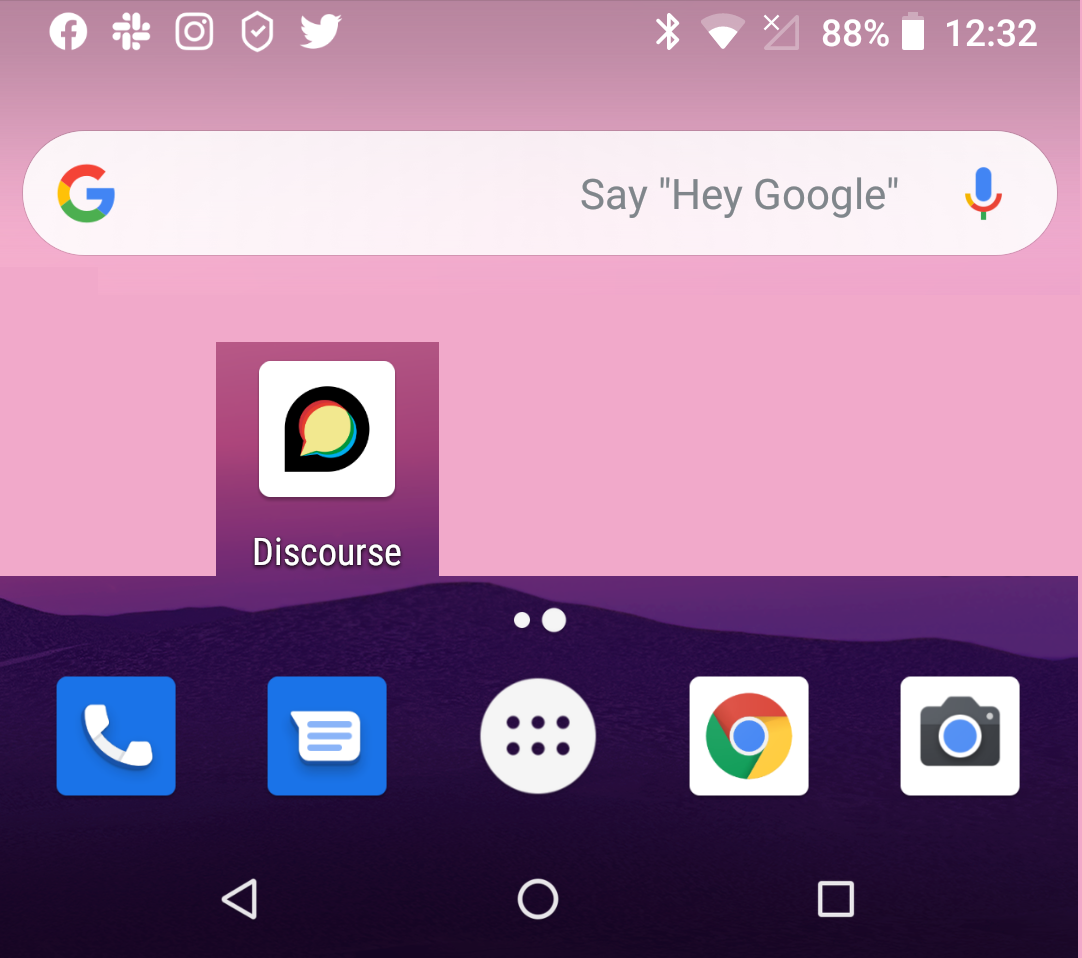
| 13:00, 22 September 2019 | Discourse app1.png (file) |  |
567 KB | The Discourse icon appears on your home screen. | 1 |