File list
From Freegle Wiki
Jump to navigationJump to search
This special page shows all uploaded files.
| Date | Name | Thumbnail | Size | User | Description | Versions |
|---|---|---|---|---|---|---|
| 11:20, 6 October 2020 | Spam4a.jpg (file) |  |
3 KB | Roger (talk | contribs) | new image | 1 |
| 11:15, 6 October 2020 | Spam15.jpg (file) |  |
6 KB | Roger (talk | contribs) | new image | 1 |
| 11:14, 6 October 2020 | Spam14.jpg (file) |  |
6 KB | Roger (talk | contribs) | new image | 1 |
| 10:55, 6 October 2020 | Spam10.jpg (file) |  |
6 KB | Roger (talk | contribs) | 2 | |
| 10:54, 6 October 2020 | Spam9.jpg (file) |  |
6 KB | Roger (talk | contribs) | 2 | |
| 10:53, 6 October 2020 | Spam8.jpg (file) |  |
12 KB | Roger (talk | contribs) | 2 | |
| 10:52, 6 October 2020 | Spam6.jpg (file) |  |
7 KB | Roger (talk | contribs) | 2 | |
| 10:47, 6 October 2020 | Spam5.jpg (file) |  |
5 KB | Roger (talk | contribs) | 2 | |
| 10:41, 6 October 2020 | Spam3.jpg (file) |  |
7 KB | Roger (talk | contribs) | 2 | |
| 10:40, 6 October 2020 | Spam2.jpg (file) |  |
6 KB | Roger (talk | contribs) | 2 | |
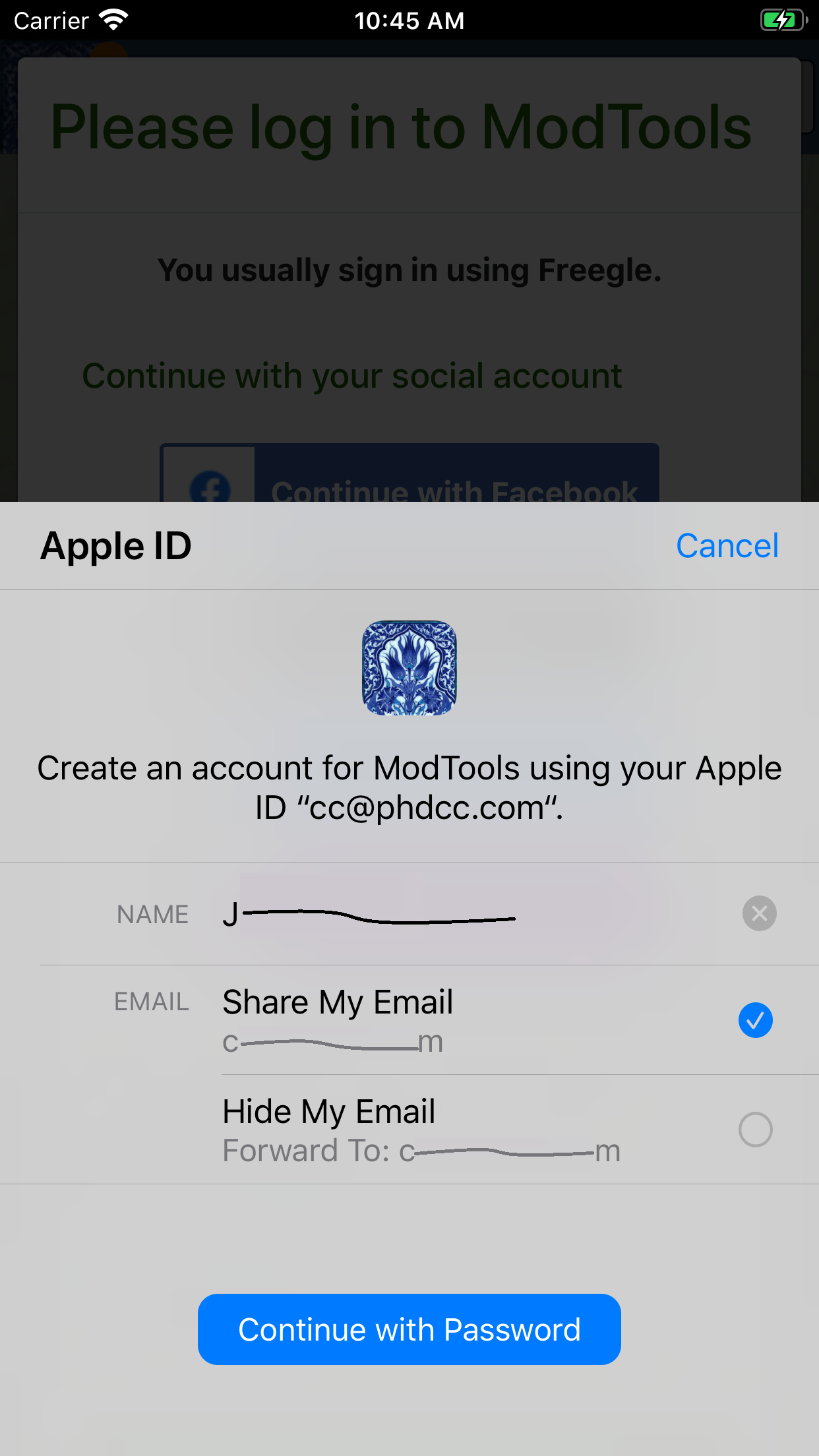
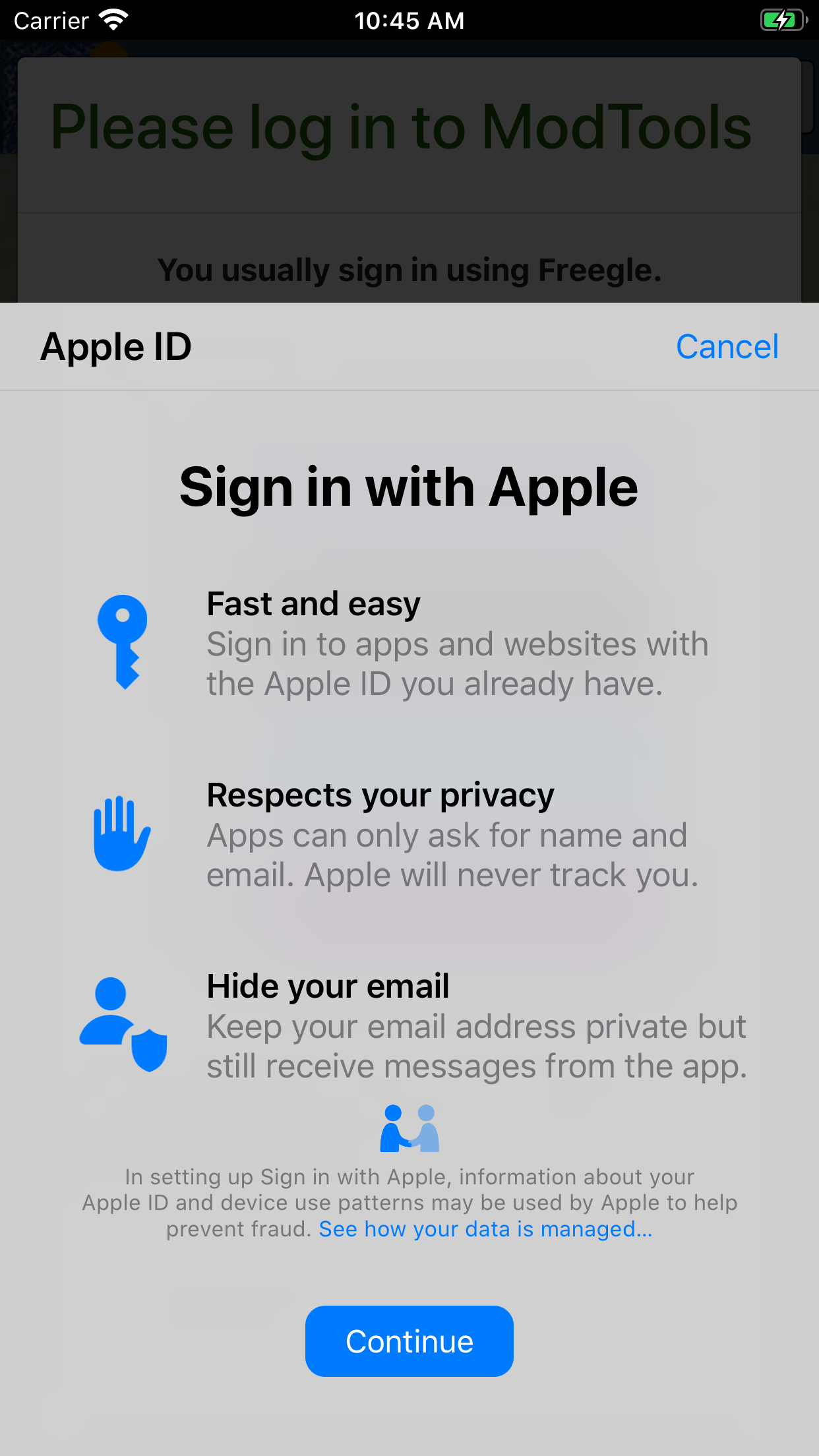
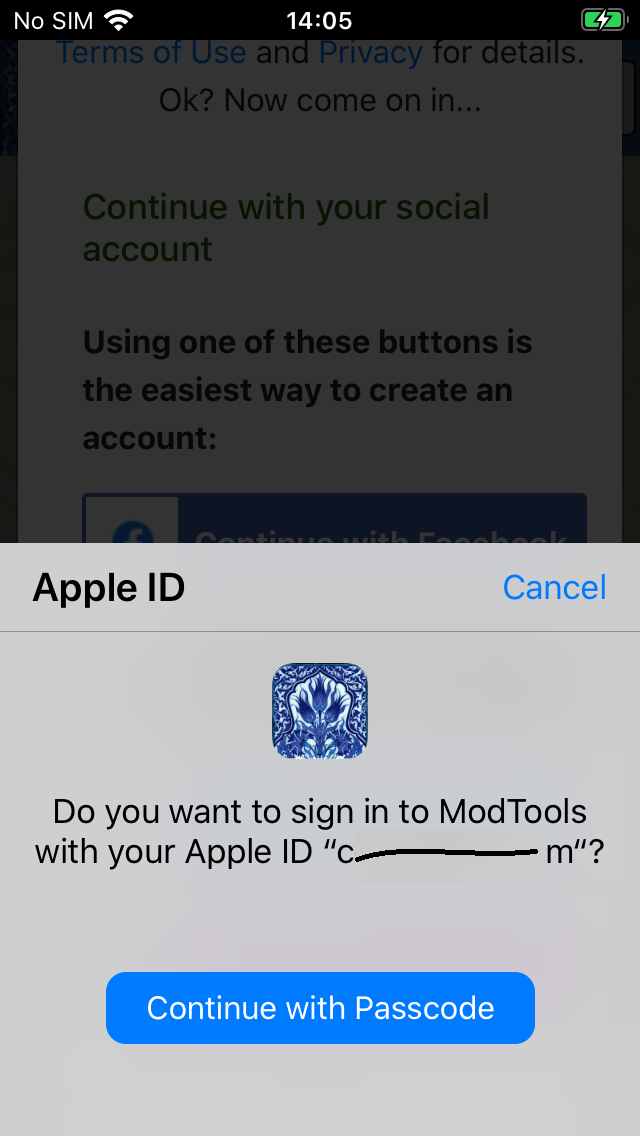
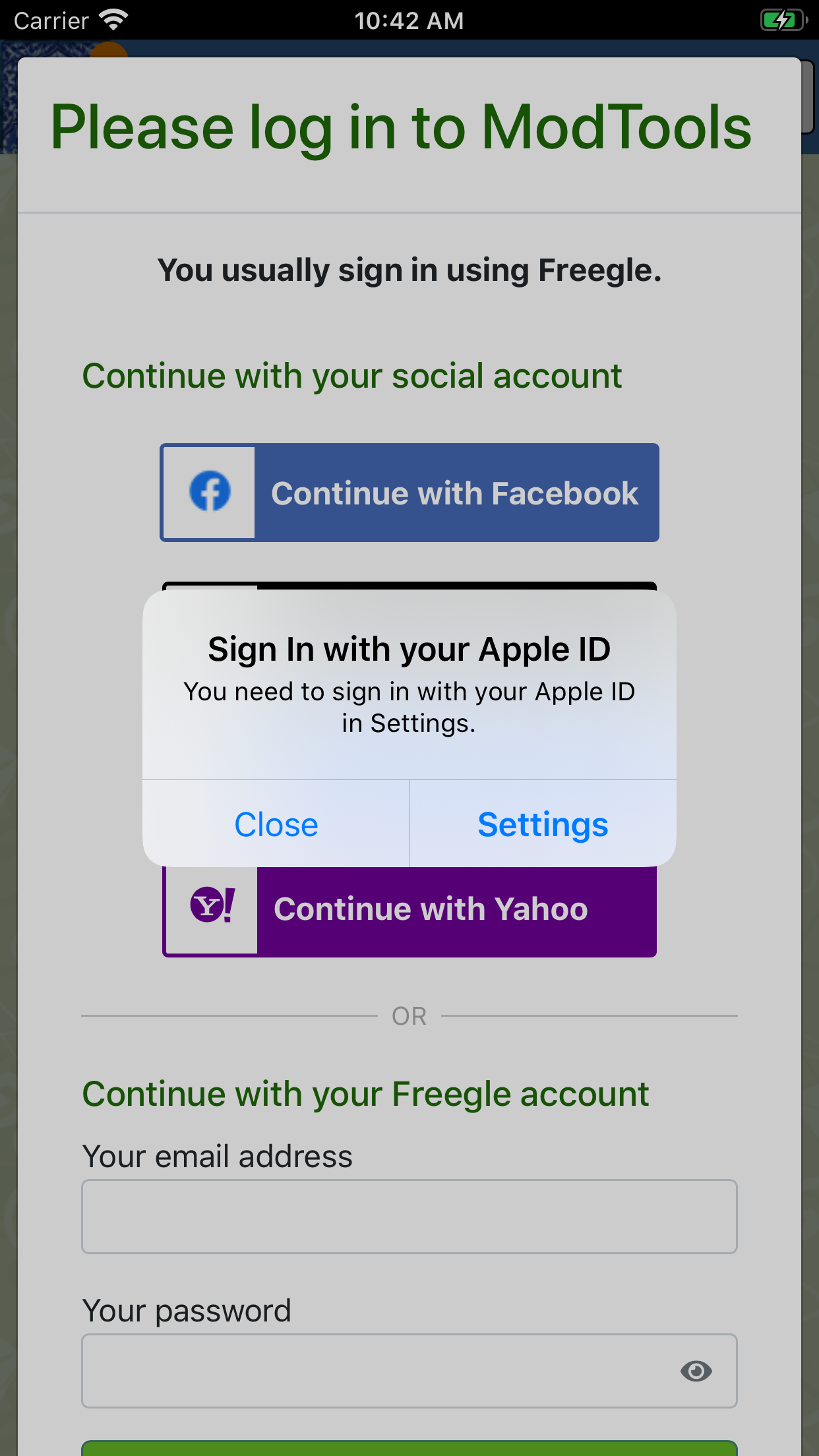
| 13:40, 20 June 2020 | Apple-account4.png (file) |  |
19 KB | Chriscant (talk | contribs) | 1 | |
| 13:39, 20 June 2020 | Apple-account3a.png (file) |  |
52 KB | Chriscant (talk | contribs) | 1 | |
| 13:38, 20 June 2020 | Apple-account3.png (file) |  |
29 KB | Chriscant (talk | contribs) | 1 | |
| 13:37, 20 June 2020 | Apple-account2.png (file) |  |
18 KB | Chriscant (talk | contribs) | 1 | |
| 13:36, 20 June 2020 | Apple-account1.png (file) |  |
15 KB | Chriscant (talk | contribs) | 1 | |
| 13:35, 20 June 2020 | SiwA5.png (file) |  |
251 KB | Chriscant (talk | contribs) | 1 | |
| 13:34, 20 June 2020 | SiwA4.png (file) |  |
326 KB | Chriscant (talk | contribs) | 1 | |
| 13:34, 20 June 2020 | SiwA3.png (file) |  |
126 KB | Chriscant (talk | contribs) | 1 | |
| 13:33, 20 June 2020 | SiwA2.png (file) |  |
560 KB | Chriscant (talk | contribs) | 1 | |
| 13:30, 20 June 2020 | SiwA1.png (file) |  |
249 KB | Chriscant (talk | contribs) | 1 | |
| 10:05, 28 May 2020 | 2020-05-28 (2).png (file) | .png) |
33 KB | Jacky (talk | contribs) | Group stats | 1 |
| 18:47, 13 February 2020 | Spam13.jpg (file) |  |
30 KB | Roger (talk | contribs) | 3 | |
| 10:26, 28 November 2019 | Spam11.jpg (file) |  |
4 KB | Chriscant (talk | contribs) | 2 | |
| 10:25, 28 November 2019 | Banner number 5.png (file) |  |
170 KB | Chriscant (talk | contribs) | 2 | |
| 18:32, 25 November 2019 | QR scan me.png (file) |  |
18 KB | Dee (talk | contribs) | 2 | |
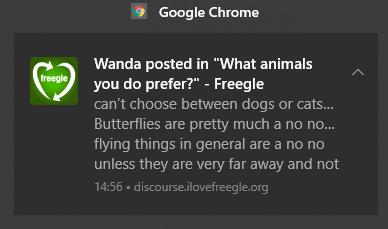
| 11:35, 23 November 2019 | Notif-in-chrome.png (file) |  |
9 KB | Chriscant (talk | contribs) | How a notification looks in Chrome | 1 |
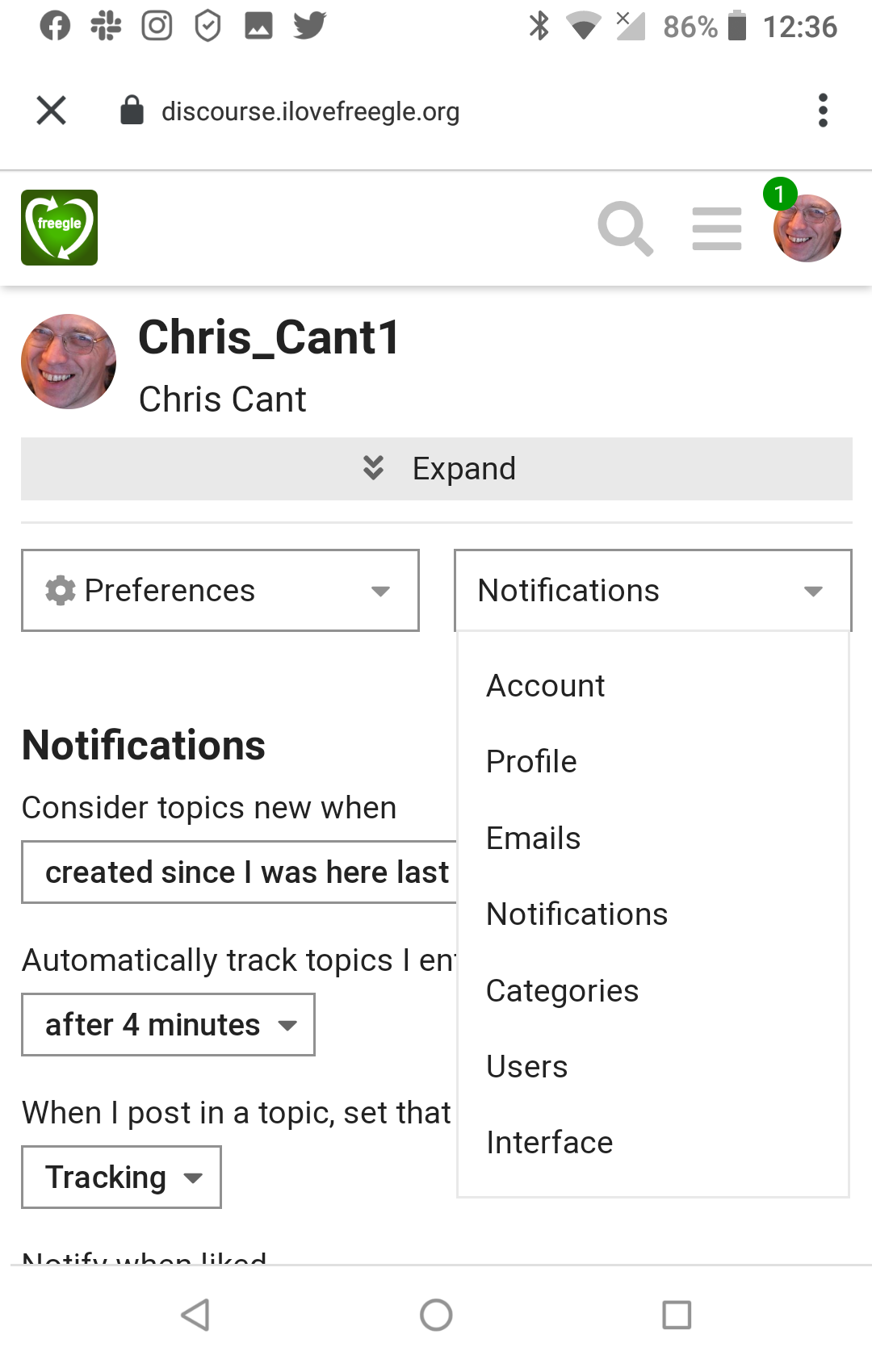
| 14:21, 20 October 2019 | Discourse menu preferences3.png (file) |  |
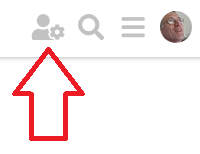
5 KB | Chriscant (talk | contribs) | To see or change your preferences, select the User-Cog icon. | 1 |
| 09:31, 25 September 2019 | Discourse menu preferences2.png (file) |  |
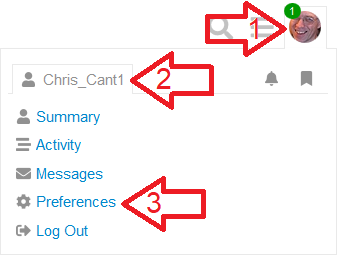
12 KB | Chriscant (talk | contribs) | Accessing your preferences | 1 |
| 20:27, 22 September 2019 | Discourse new topic.png (file) |  |
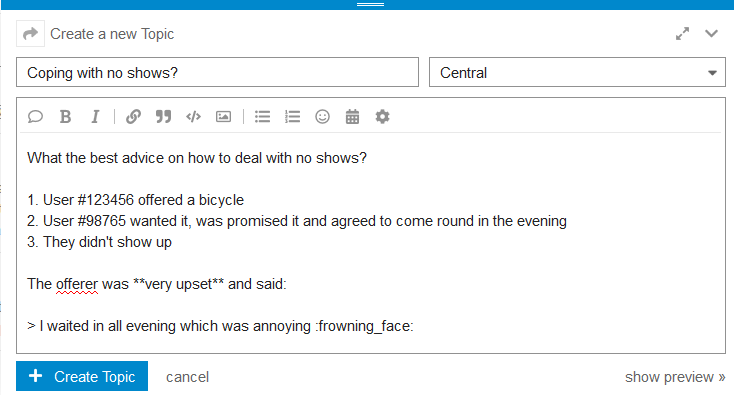
23 KB | Chriscant (talk | contribs) | Click on New Topic then use the editor to write your post. | 1 |
| 20:15, 22 September 2019 | Discourse poll.png (file) |  |
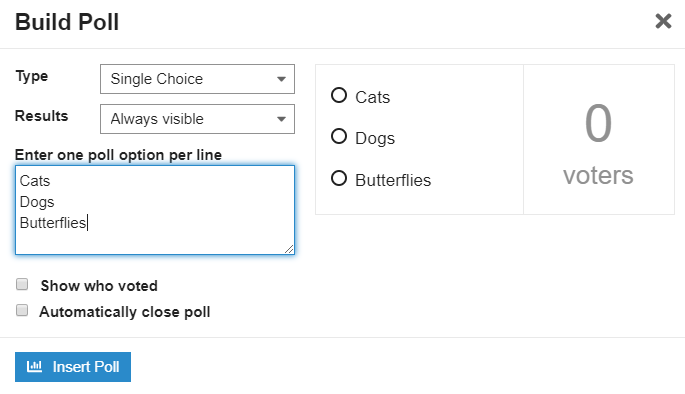
16 KB | Chriscant (talk | contribs) | Choose the type of poll and give the options. | 1 |
| 20:14, 22 September 2019 | Discourse poll start.png (file) |  |
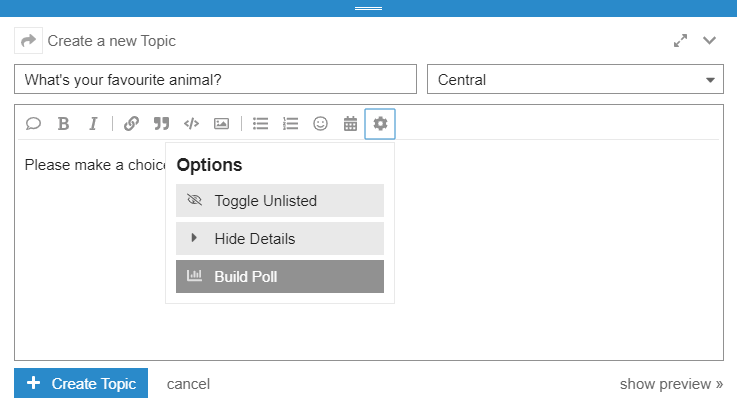
18 KB | Chriscant (talk | contribs) | To make a poll, start a New Topic, click the cog then select Build Poll. | 1 |
| 17:49, 22 September 2019 | Discourse preferences apps.png (file) |  |
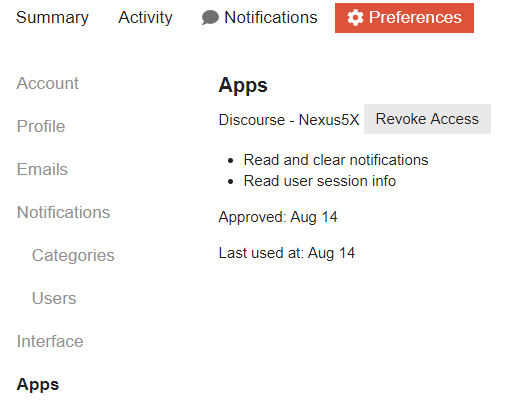
18 KB | Chriscant (talk | contribs) | If you are using the app, access is listed here. | 1 |
| 17:48, 22 September 2019 | Discourse preferences notifications users.png (file) |  |
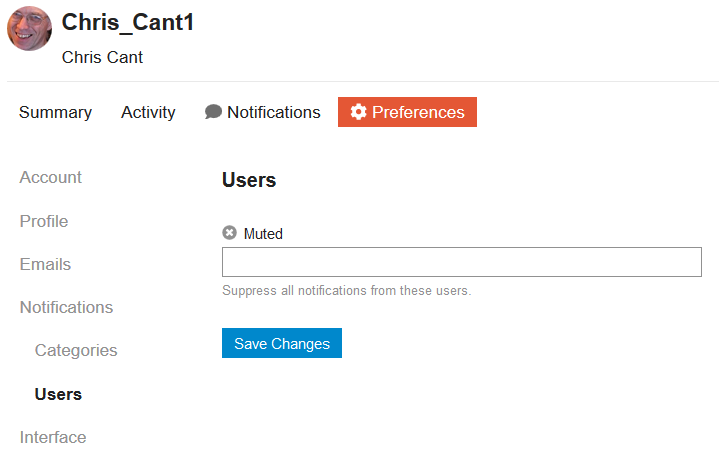
17 KB | Chriscant (talk | contribs) | You can also mute individual other users. | 1 |
| 17:47, 22 September 2019 | Discourse preferences notifications categories.png (file) |  |
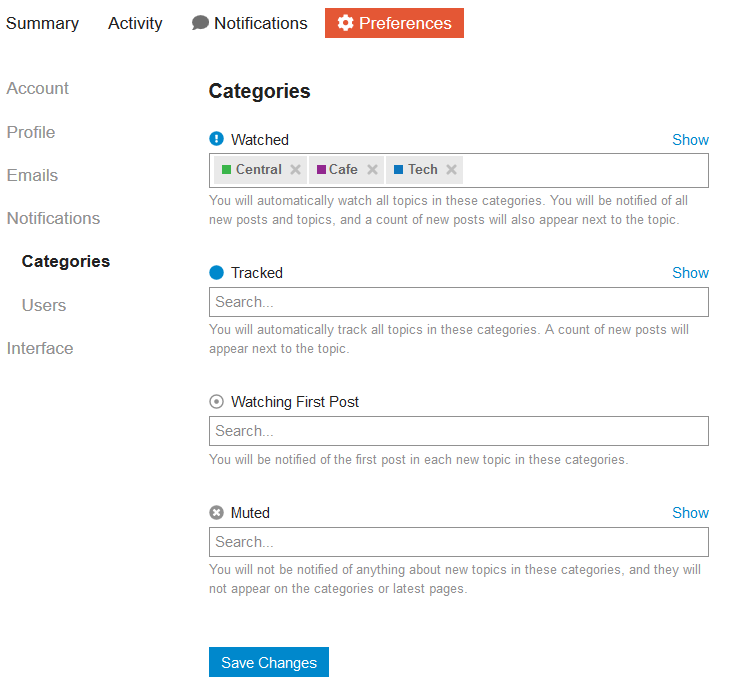
39 KB | Chriscant (talk | contribs) | Choose which categories to watch, track or mute. | 1 |
| 17:46, 22 September 2019 | Discourse preferences notifications.png (file) |  |
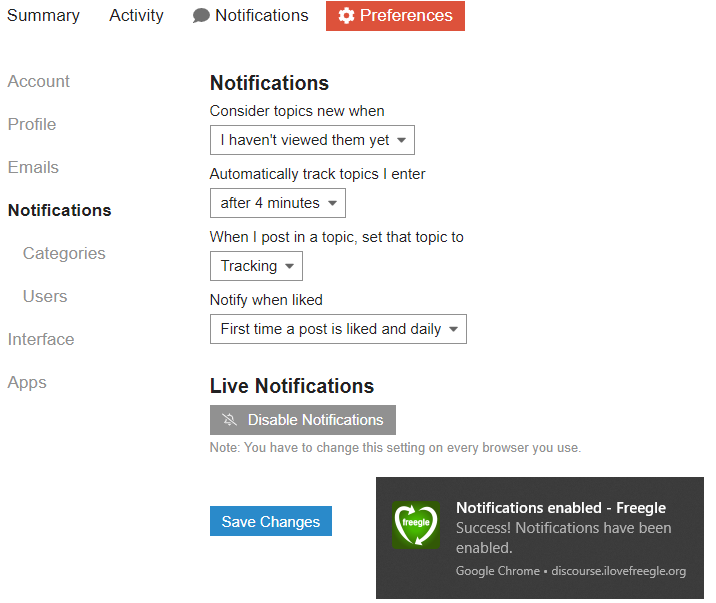
70 KB | Chriscant (talk | contribs) | The Notifications section lets you choose general settings and enable browser notifications. | 1 |
| 17:43, 22 September 2019 | Discourse preferences emails mailing list.png (file) |  |
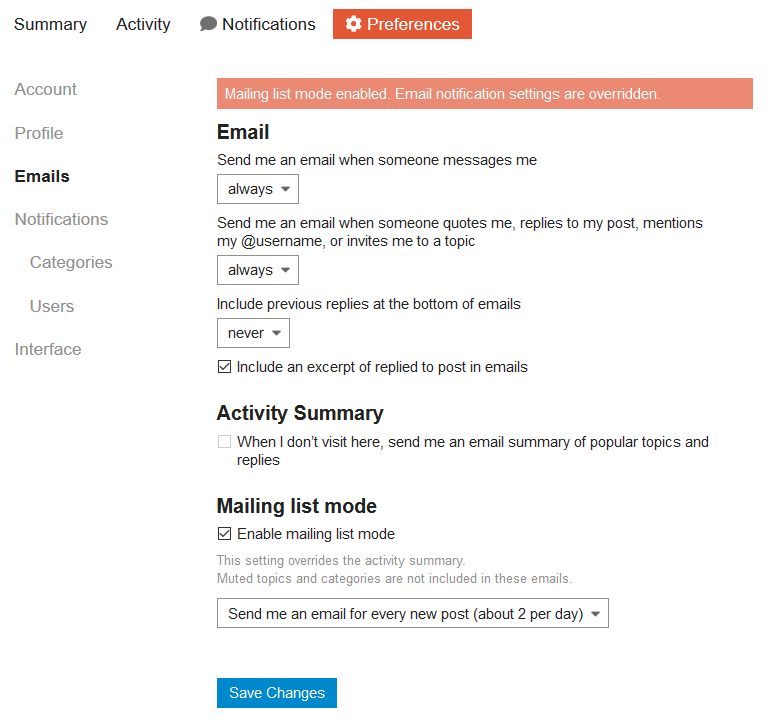
39 KB | Chriscant (talk | contribs) | If you choose Mailing List Mode then this overrides all other settings. | 1 |
| 17:43, 22 September 2019 | Discourse preferences emails.png (file) |  |
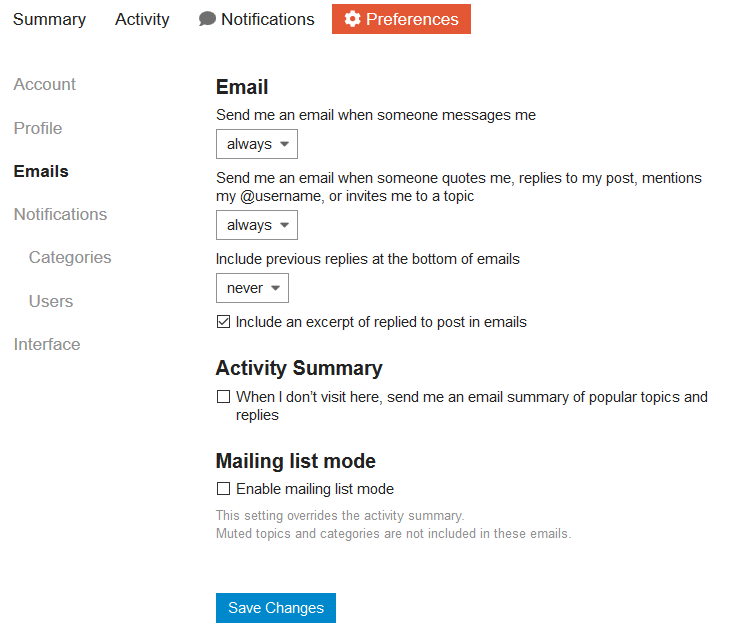
34 KB | Chriscant (talk | contribs) | The emails main section lets you choose when you are notified in general. | 1 |
| 17:41, 22 September 2019 | Discourse preferences profile shown.png (file) |  |
45 KB | Chriscant (talk | contribs) | This is what a profile looks like. | 1 |
| 17:39, 22 September 2019 | Discourse preferences profile.png (file) |  |
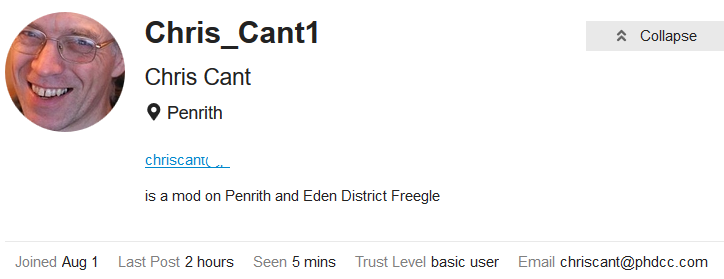
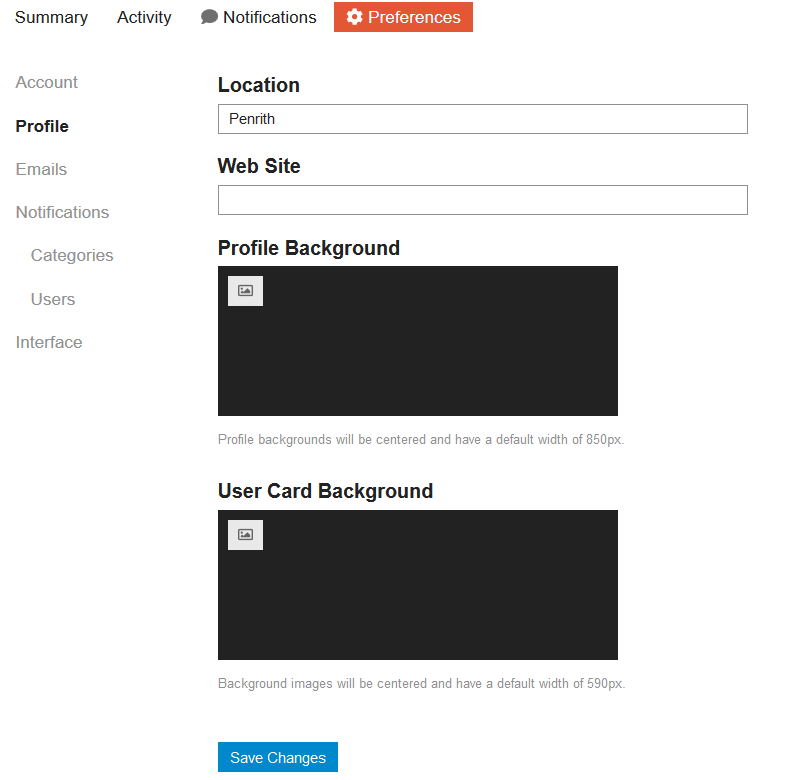
27 KB | Chriscant (talk | contribs) | If you wish, change your profile. | 1 |
| 17:38, 22 September 2019 | Discourse preferences account.png (file) |  |
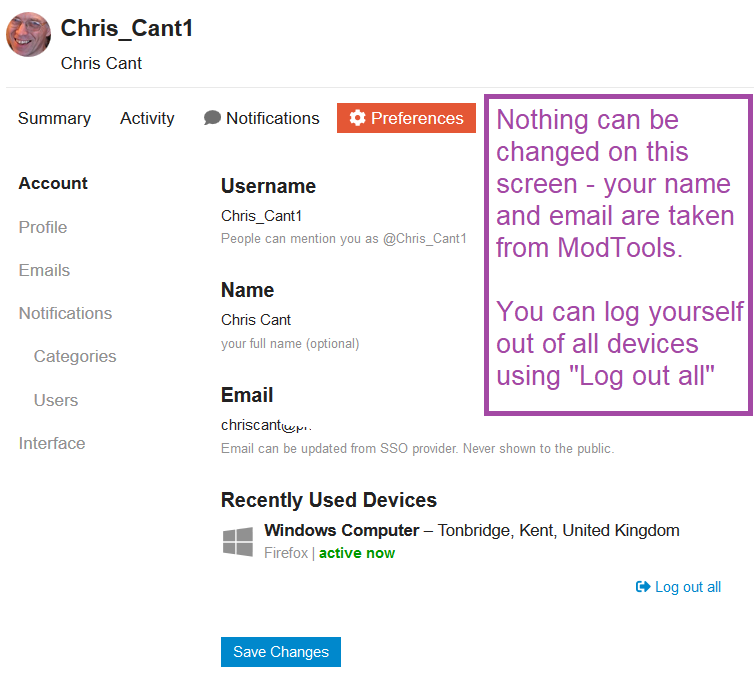
57 KB | Chriscant (talk | contribs) | The Account section shows your (fixed) basic settings. | 1 |
| 17:33, 22 September 2019 | Discourse menu.png (file) |  |
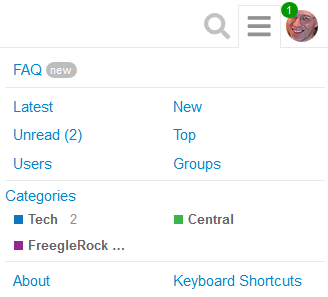
9 KB | Chriscant (talk | contribs) | The ☰ hamburger icon shows menu links to unread posts and each available category. | 1 |
| 17:32, 22 September 2019 | Discourse chrome notification.png (file) |  |
32 KB | Chriscant (talk | contribs) | Live notification in Chrome | 1 |
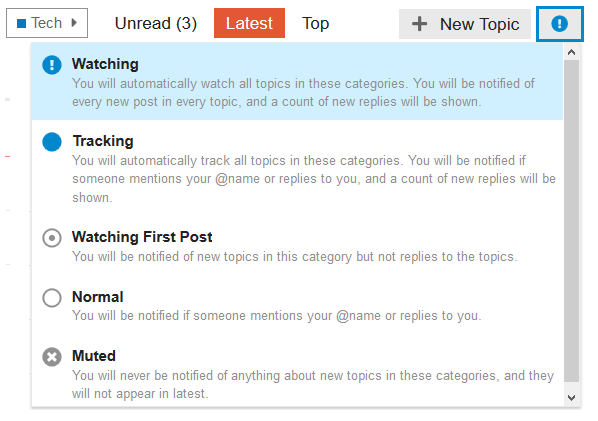
| 17:29, 22 September 2019 | Discourse category watching.png (file) |  |
22 KB | Chriscant (talk | contribs) | When viewing a category, the top right icons lets you choose notifications. | 1 |
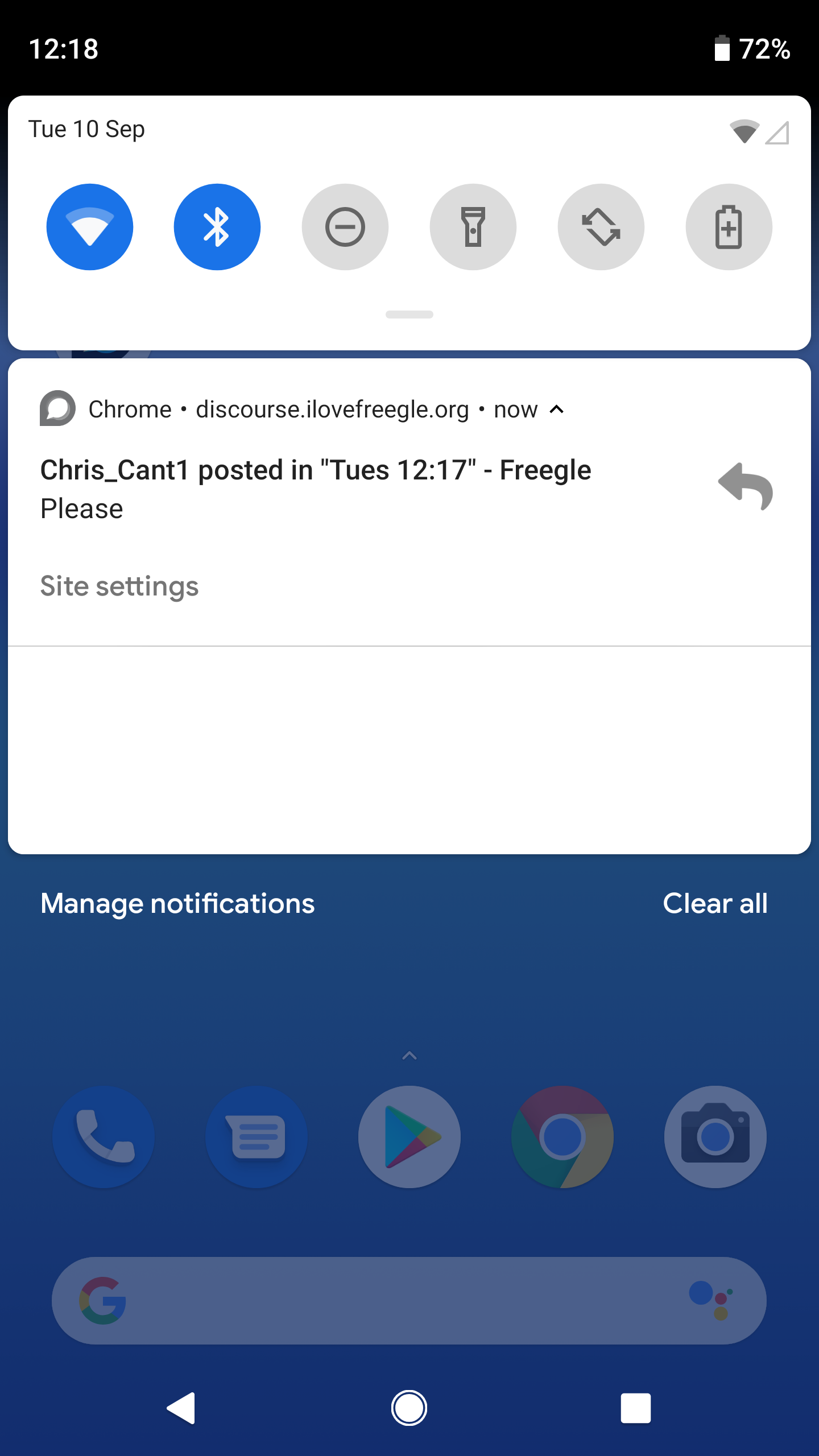
| 17:16, 22 September 2019 | Discourse app9.png (file) |  |
544 KB | Chriscant (talk | contribs) | Notifications appear as normal for your phone. | 1 |
| 17:15, 22 September 2019 | Discourse app8.png (file) |  |
180 KB | Chriscant (talk | contribs) | Set your preferences by tapping on your icon. | 1 |
| 17:13, 22 September 2019 | Discourse app7.png (file) |  |
124 KB | Chriscant (talk | contribs) | The Discourse home screen shows as usual. | 1 |
| 17:13, 22 September 2019 | Discourse app6.png (file) |  |
74 KB | Chriscant (talk | contribs) | If you restart the app, choose the Freegle site | 1 |
| 17:12, 22 September 2019 | Discourse app5.png (file) |  |
269 KB | Chriscant (talk | contribs) | Your phone asks for permission again. | 1 |
| 17:06, 22 September 2019 | Discourse app4.png (file) |  |
268 KB | Chriscant (talk | contribs) | The home screen now shows, asking to enable notifications. | 1 |
| 17:02, 22 September 2019 | Discourse app3.png (file) |  |
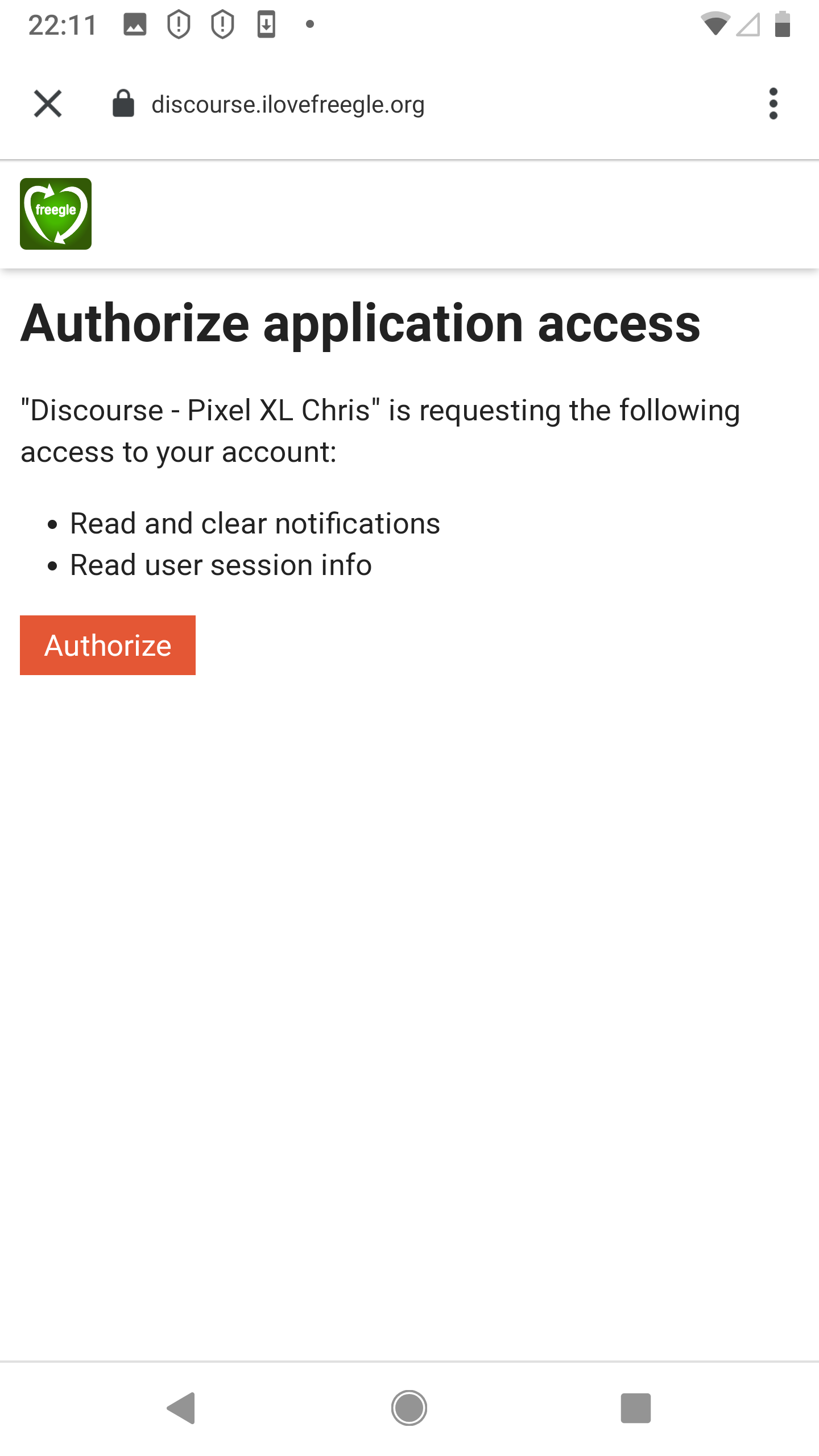
108 KB | Chriscant (talk | contribs) | Give the app permission to send you notification. | 1 |